
40+ Free Gemini Happy New Year 2026 Prompts: Copy & Paste Ready
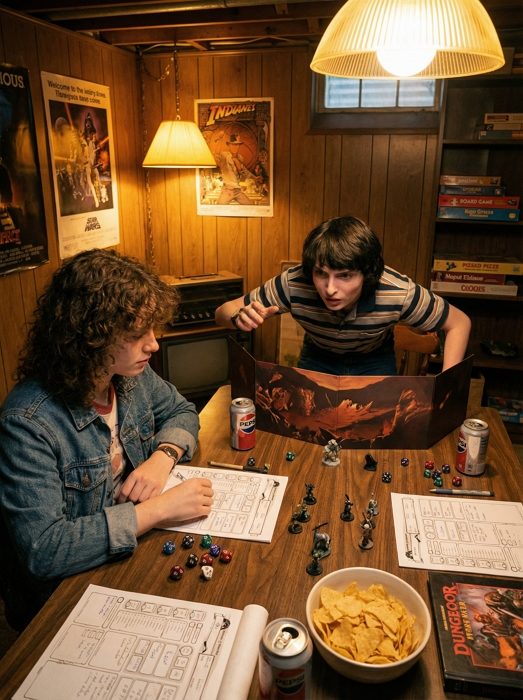
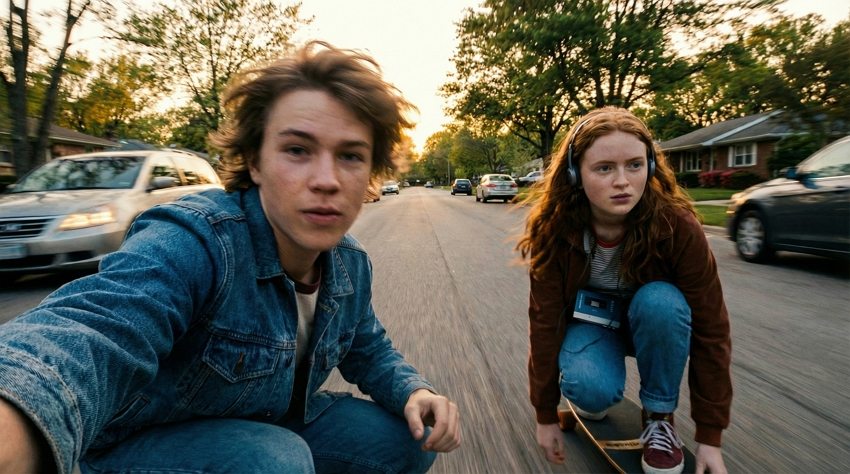
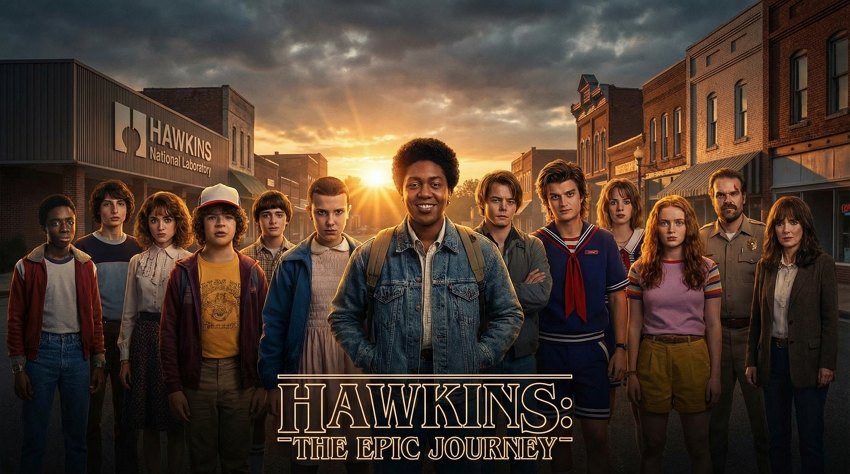
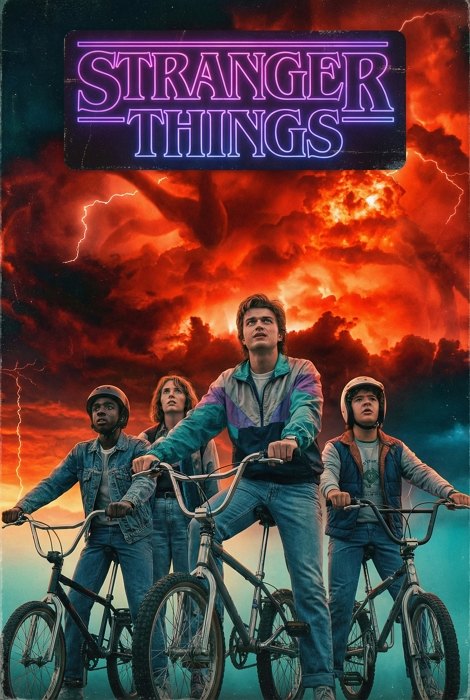
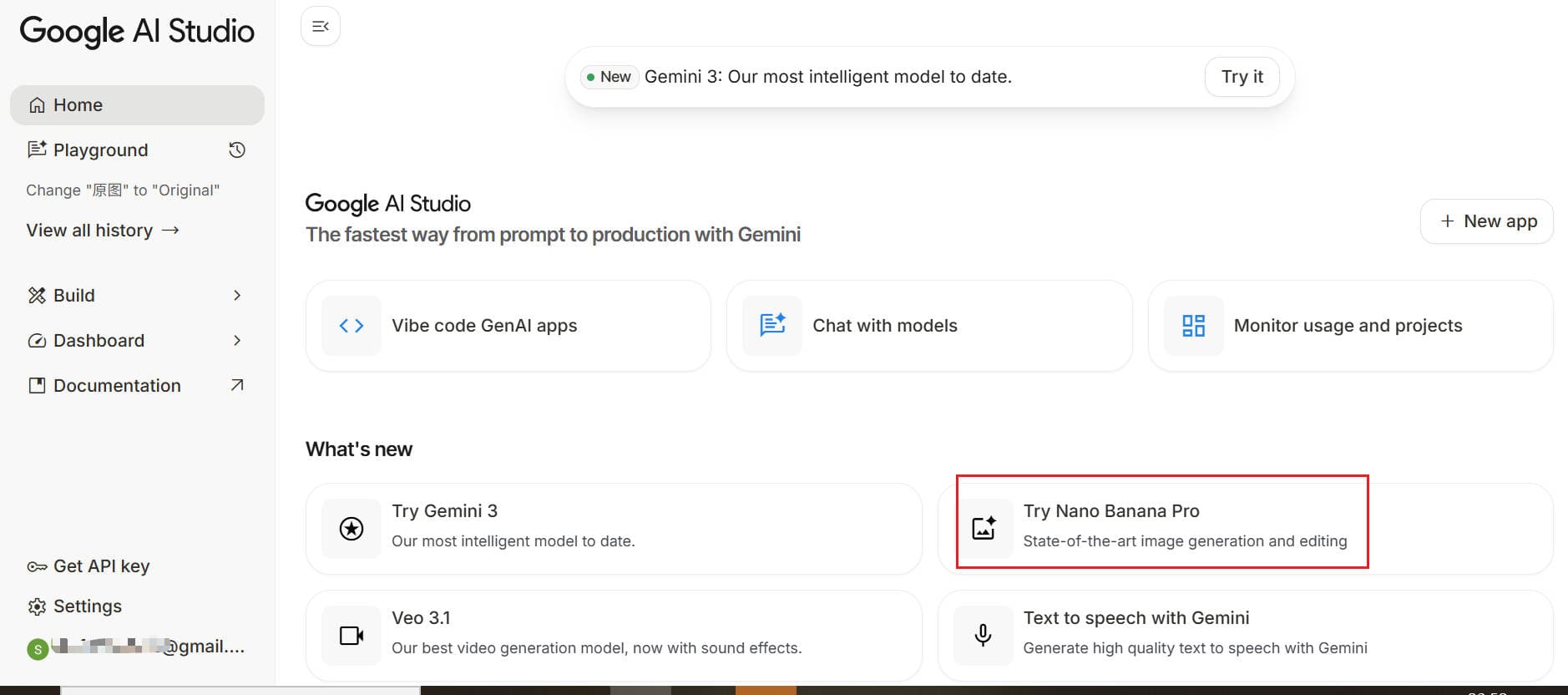
The countdown to 2026 has begun. As we approach the new year, the demand for high-quality, unique celebratory visuals is skyrocketing. Whether you are an influencer planning your midnight post, a marketer designing a “New Year, New Me” campaign, or just someone who wants a beautiful wallpaper, Gemini Nano Banana Pro is your digital artist.
Unlike generic stock photos, AI allows you to create images that are specific to your vision—from hyper-realistic 3D crystal typography to cyberpunk cityscapes.
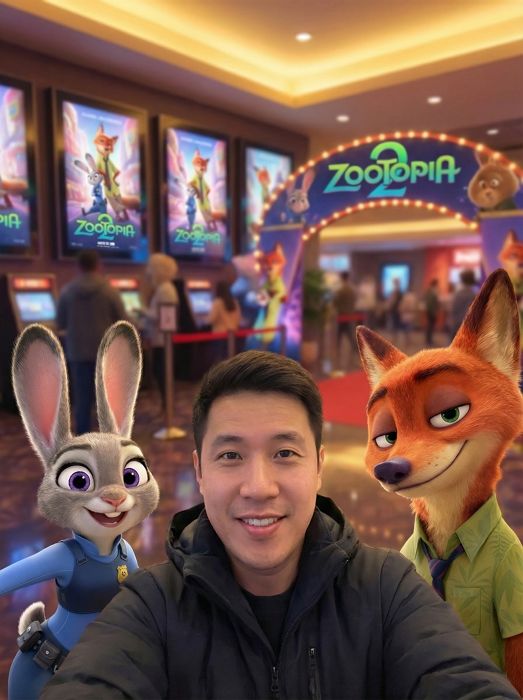
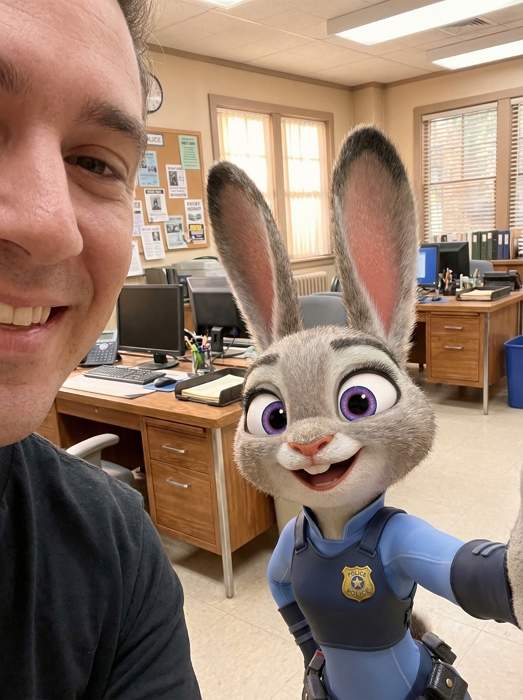
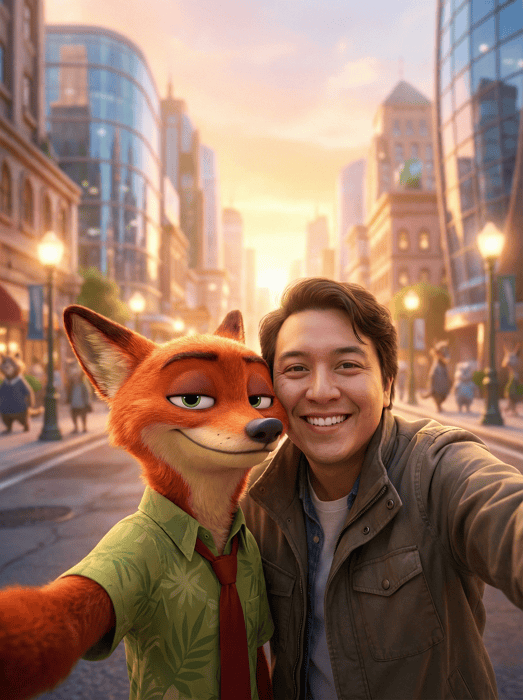
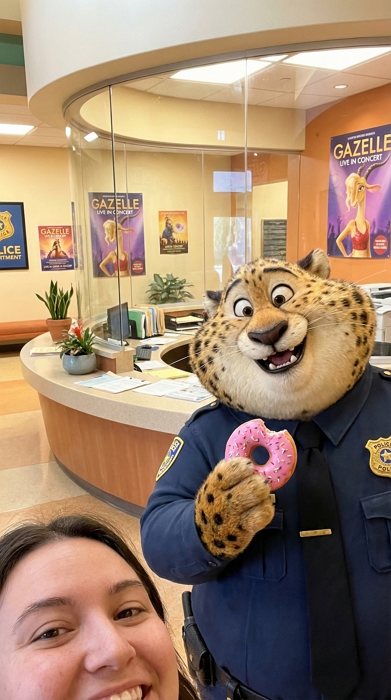
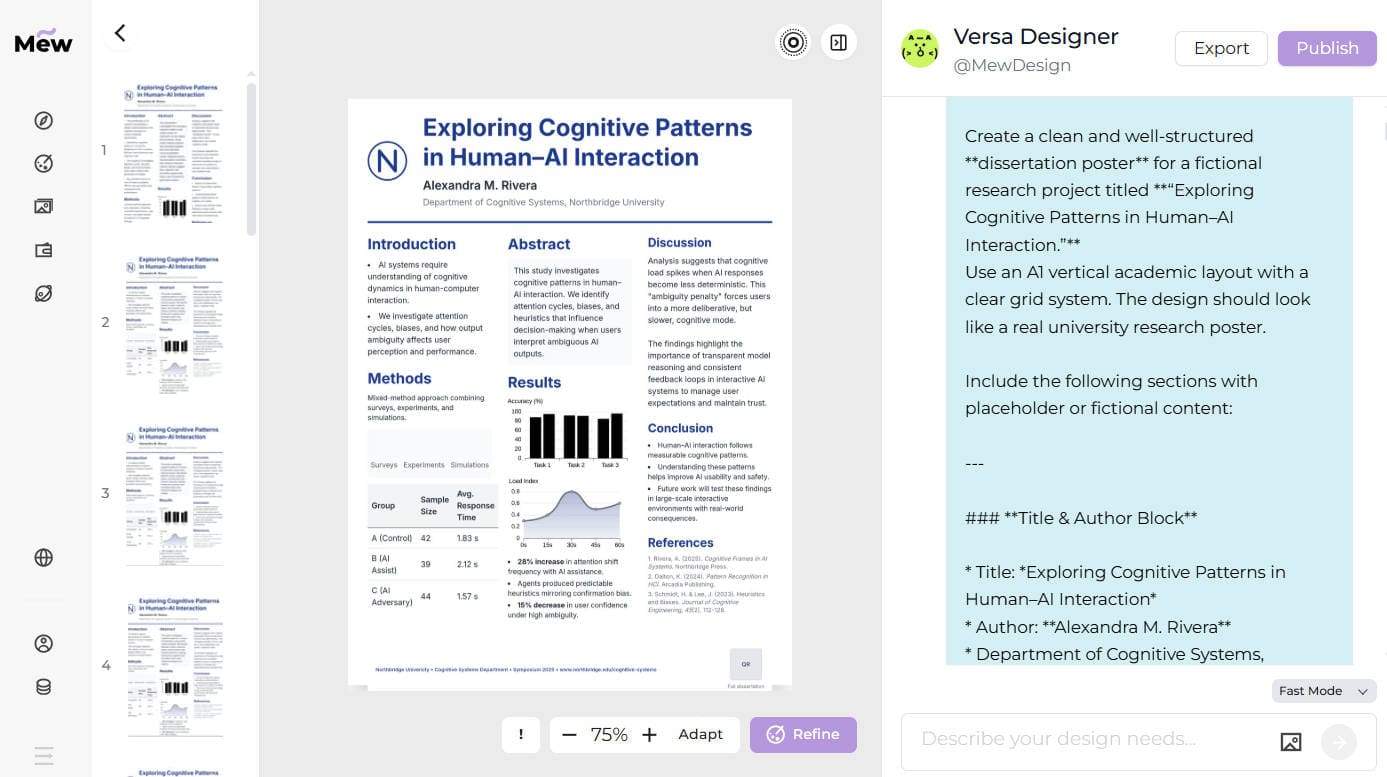
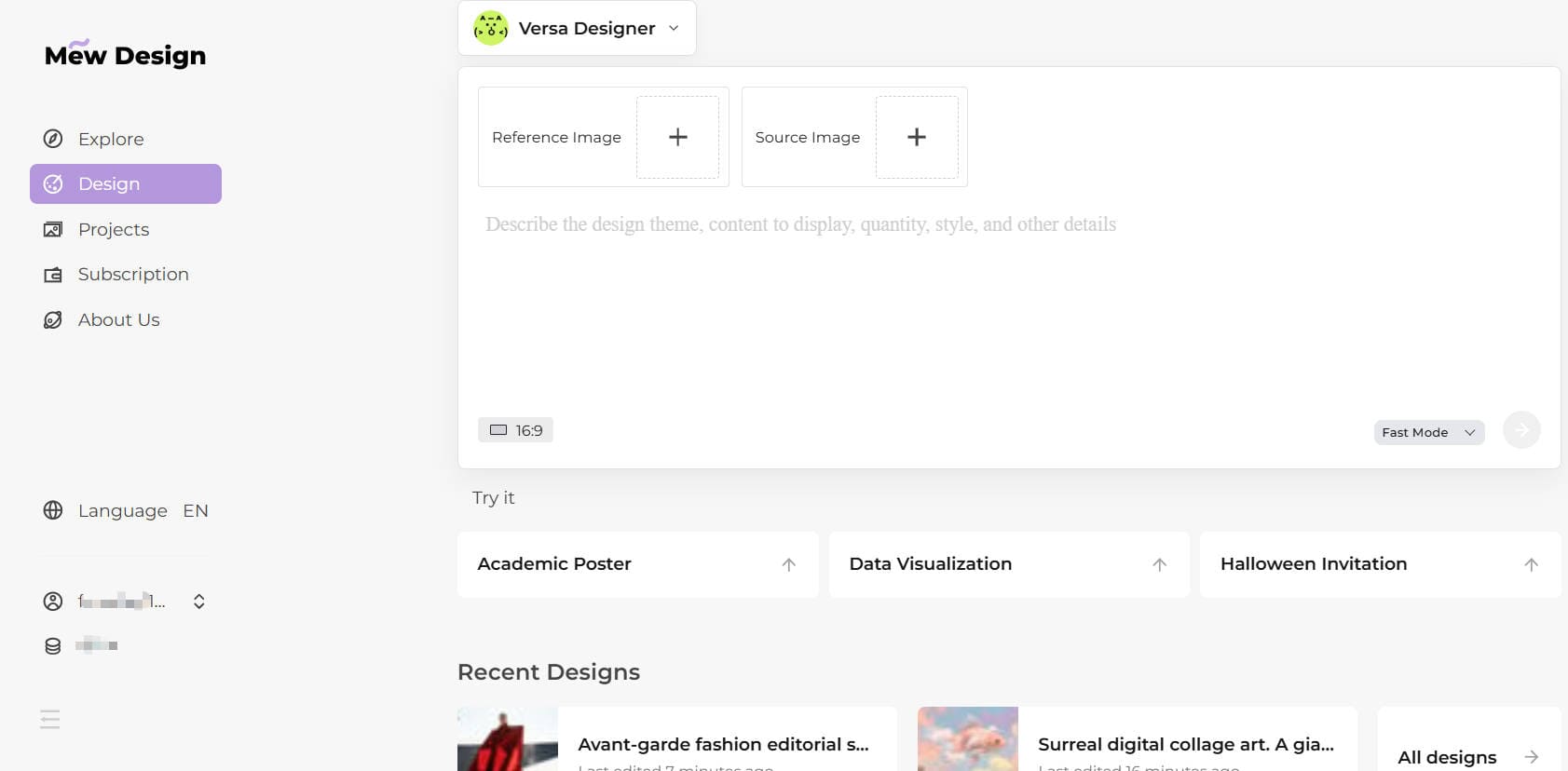
In this guide, I have tested and curated 40+ high-performance Gemini New Year 2026 prompts. You can use these prompts directly in Google Gemini with a Gemini Pro subscription. However, for the best consistency—especially if you want to include your own face in polished, cinematic New Year visuals—I recommend Mew Design.
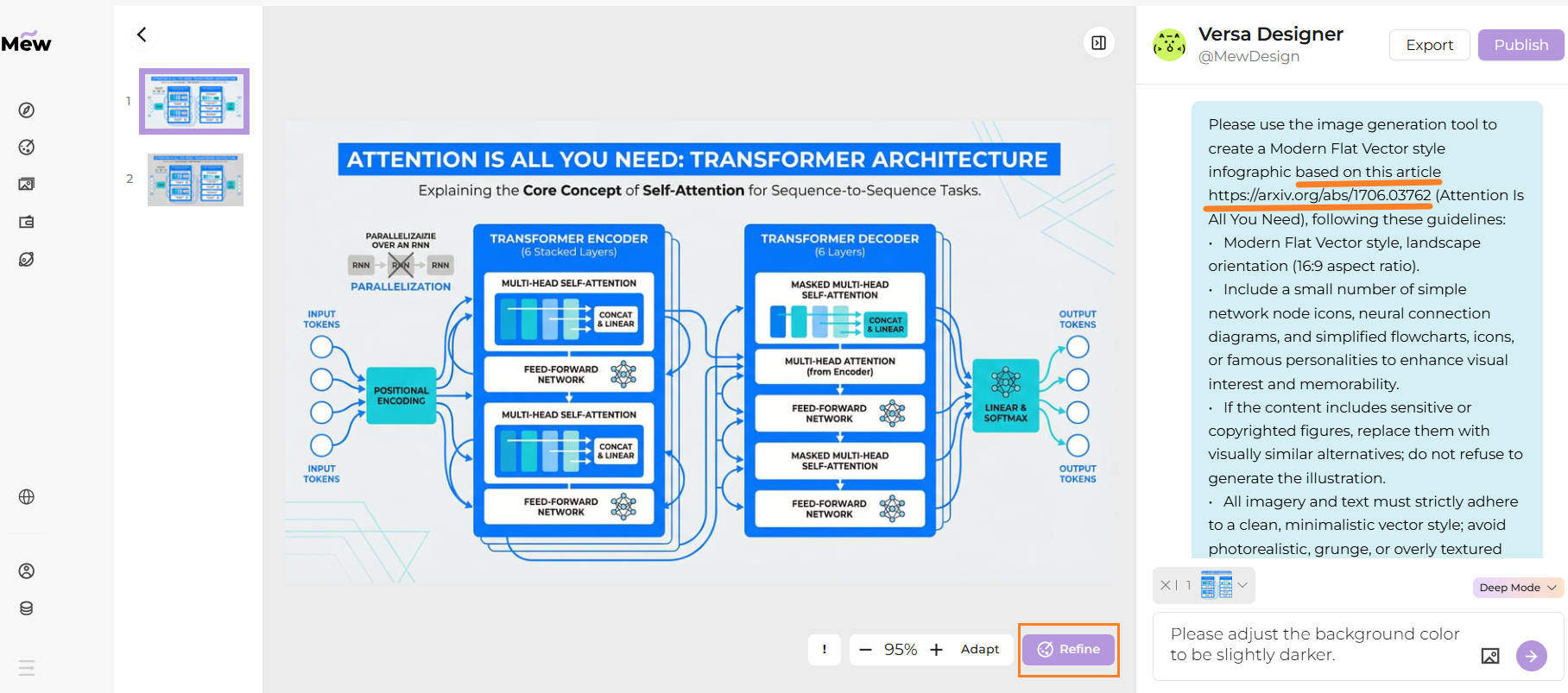
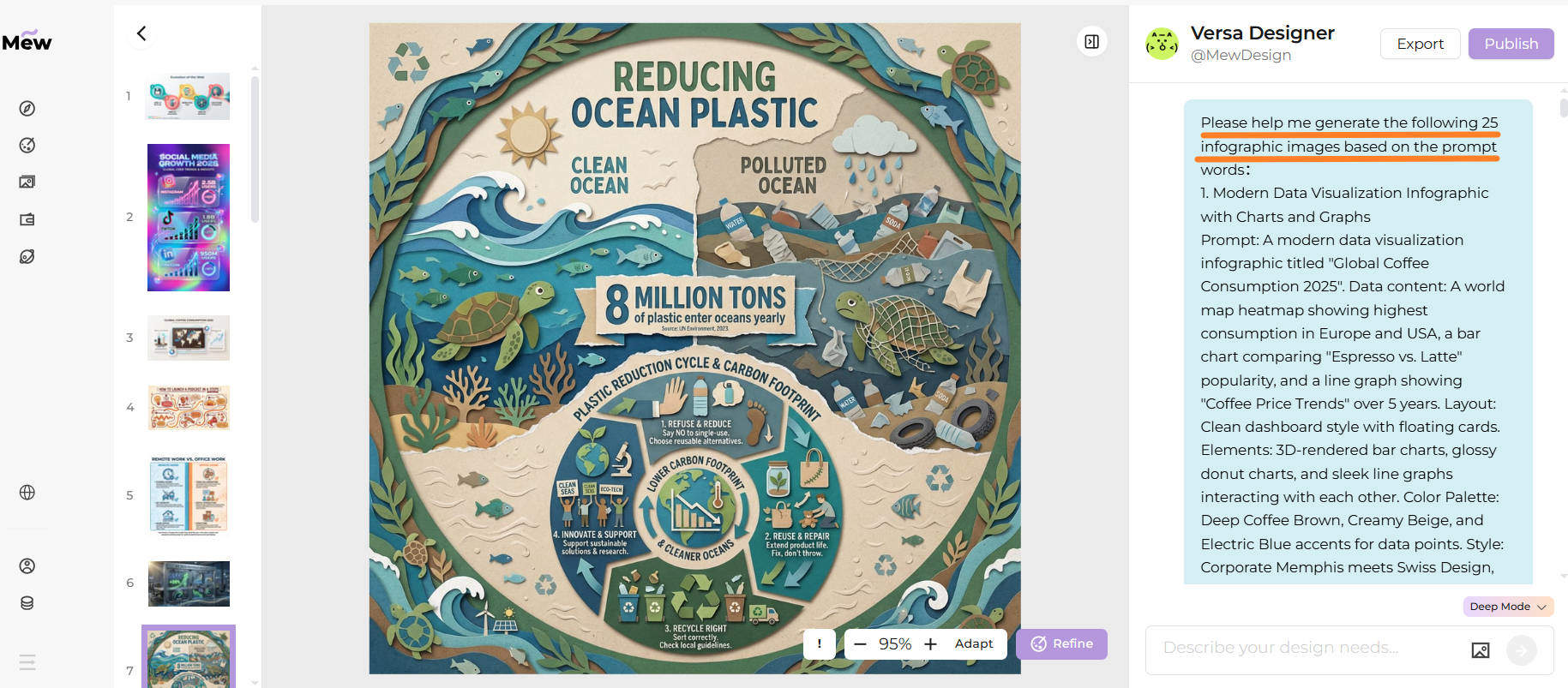
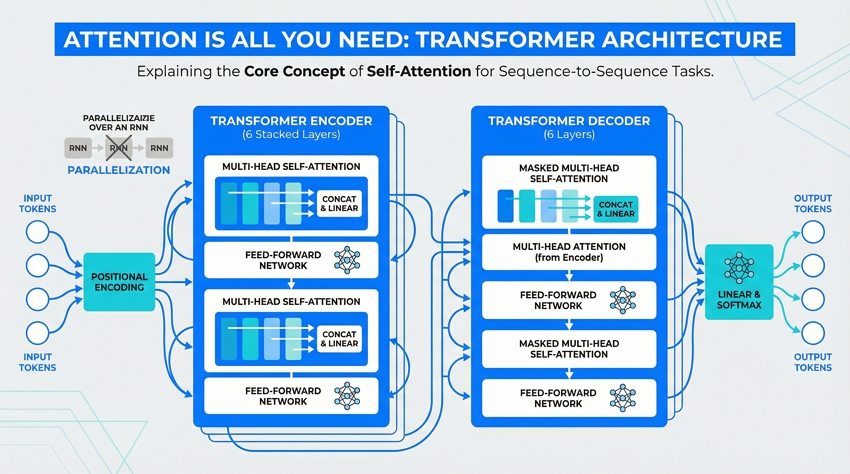
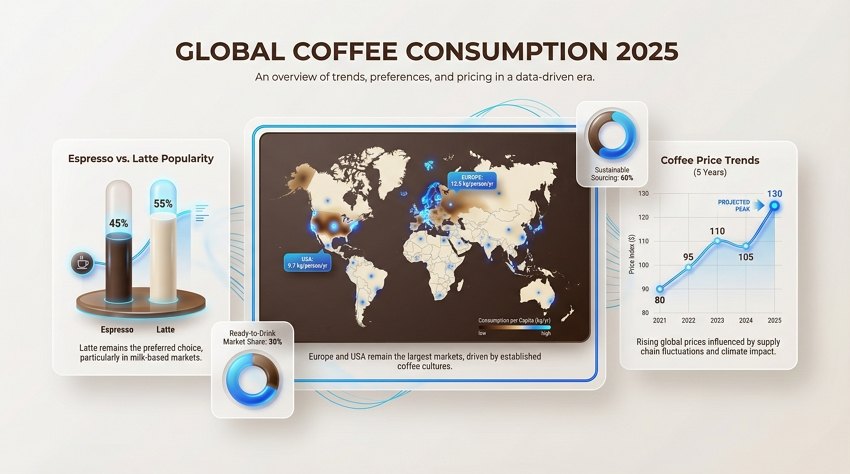
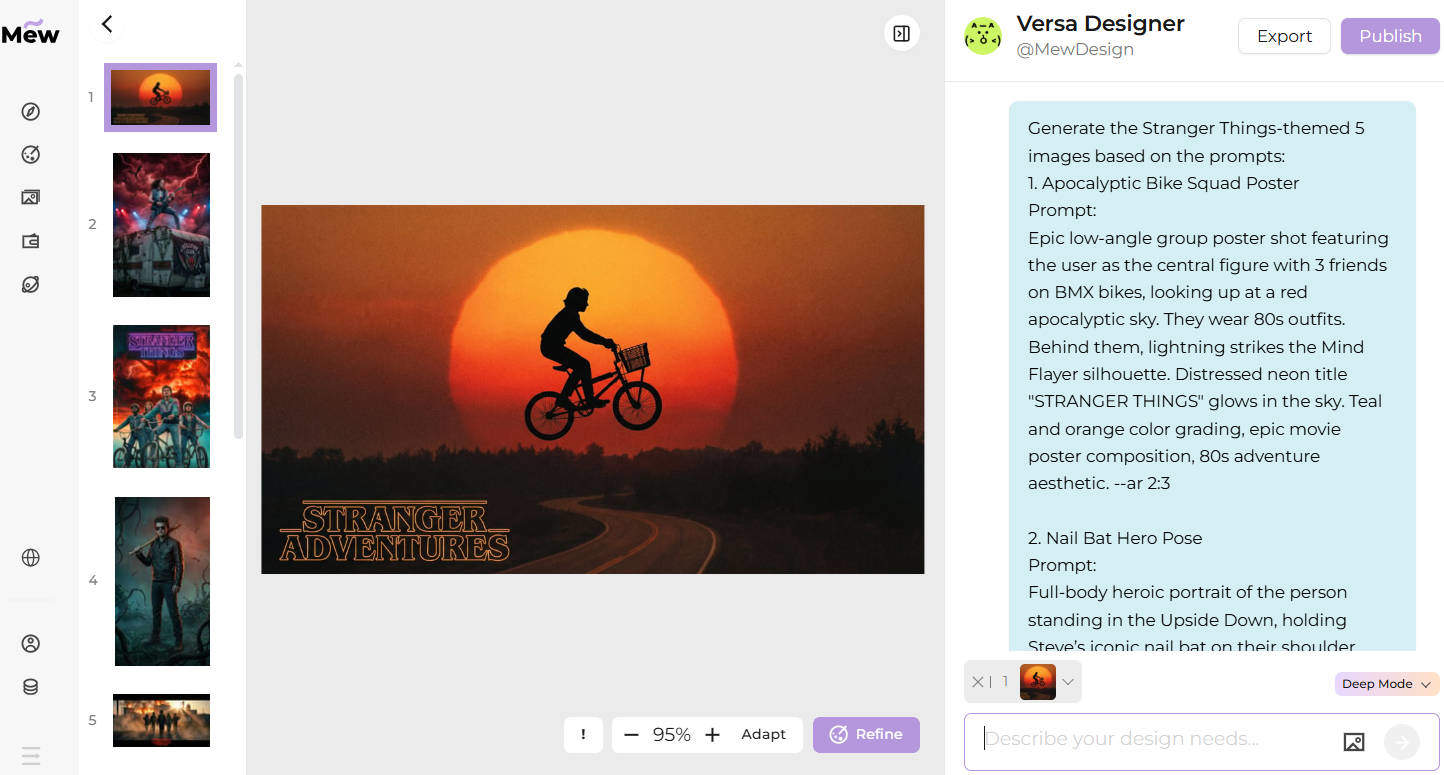
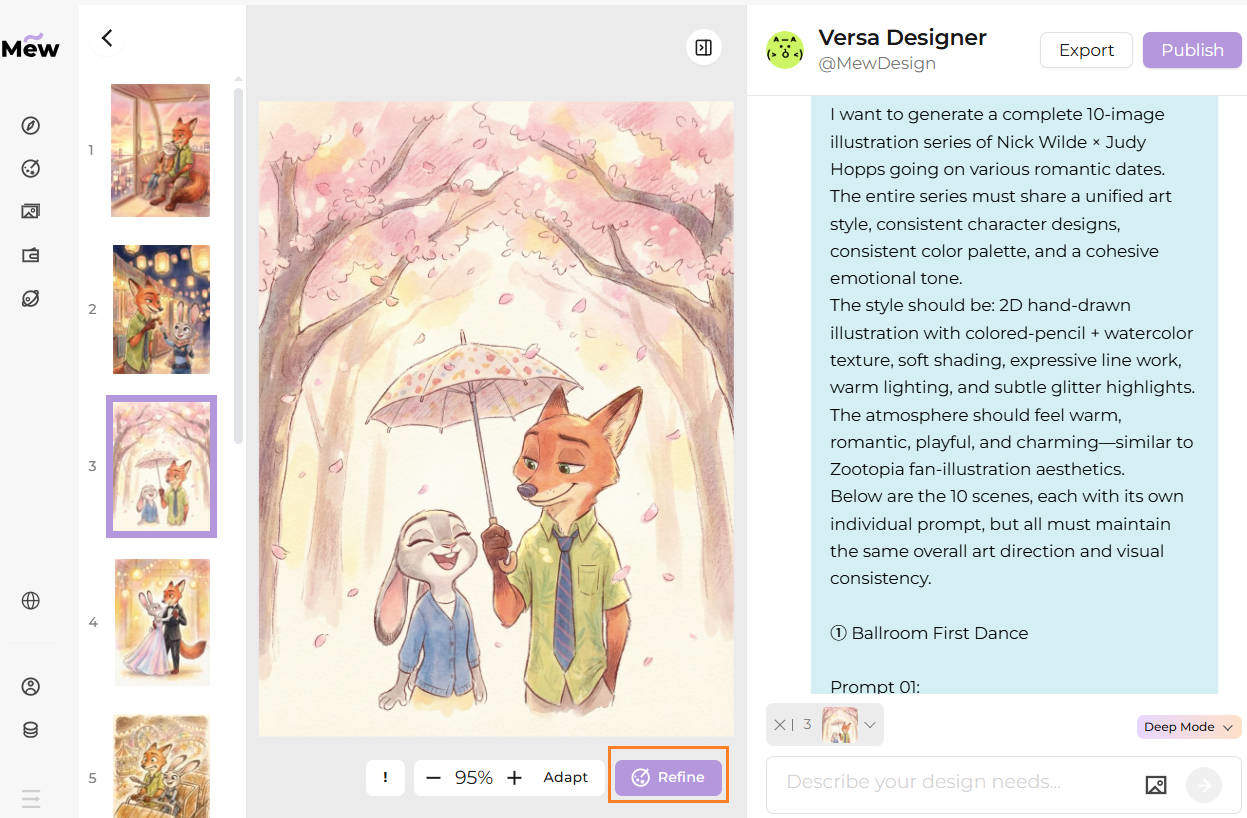
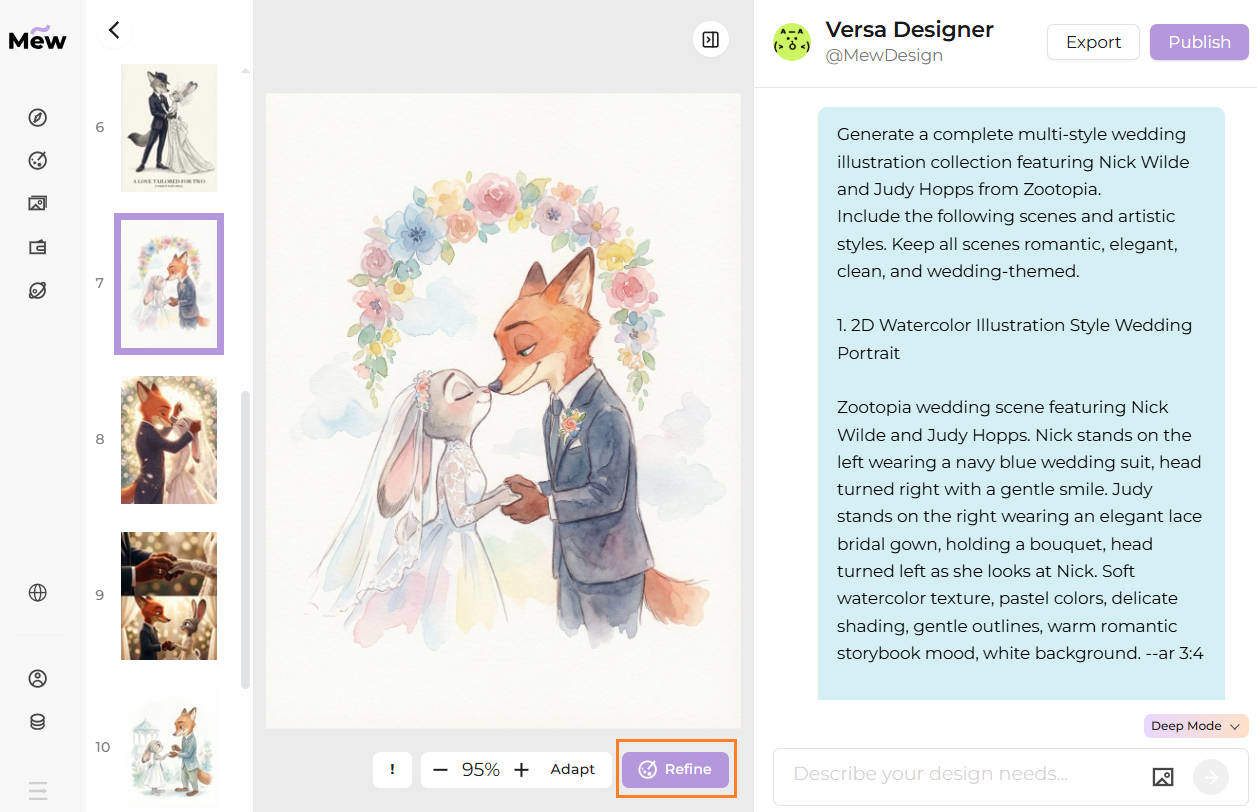
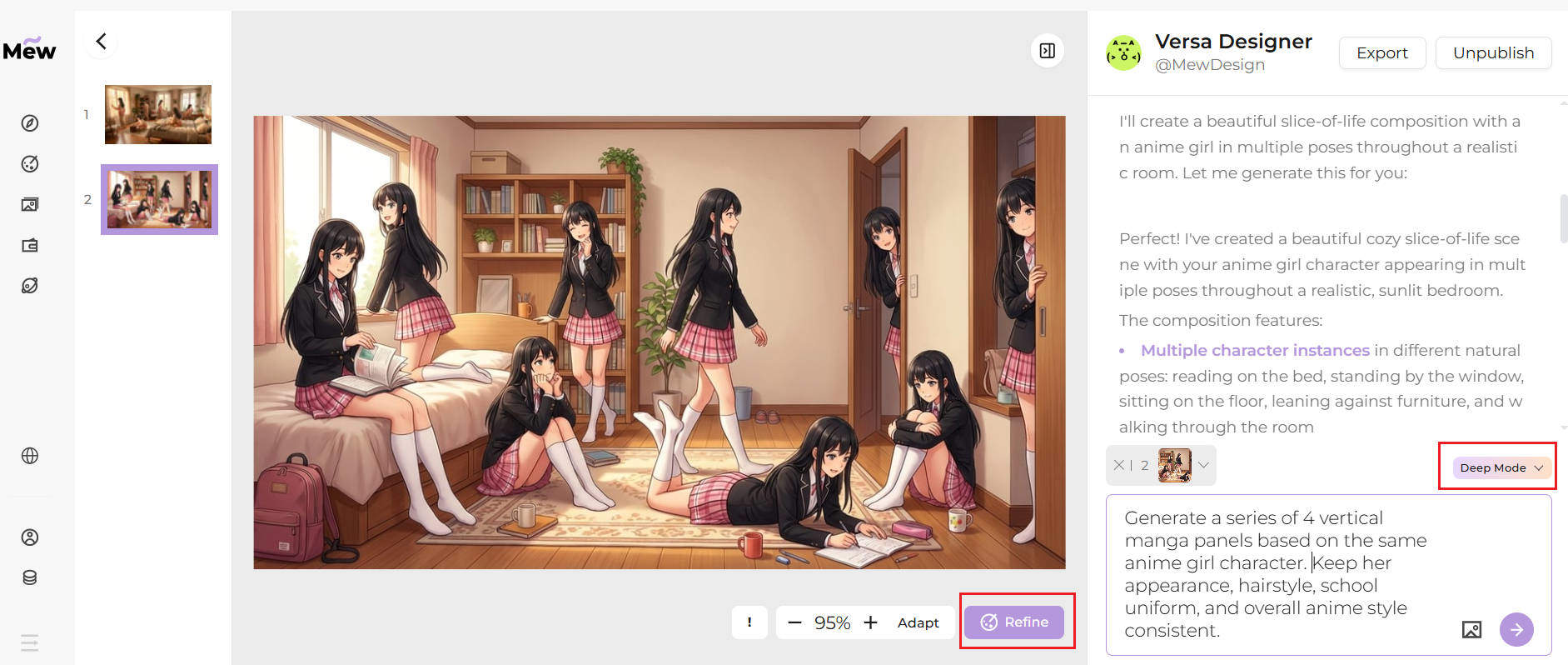
Mew Design is an AI design agent powered by Gemini Nano Banana Pro and other advanced models. It excels at preserving facial fidelity and text accuracy while applying complex artistic styles. When the first result doesn’t meet your expectations, you can simply click Refine and adjust the design using natural language. Its Deep Mode also lets you generate multiple images in a consistent style at once, making it ideal for campaigns, covers, and social media series. A free trial is available.
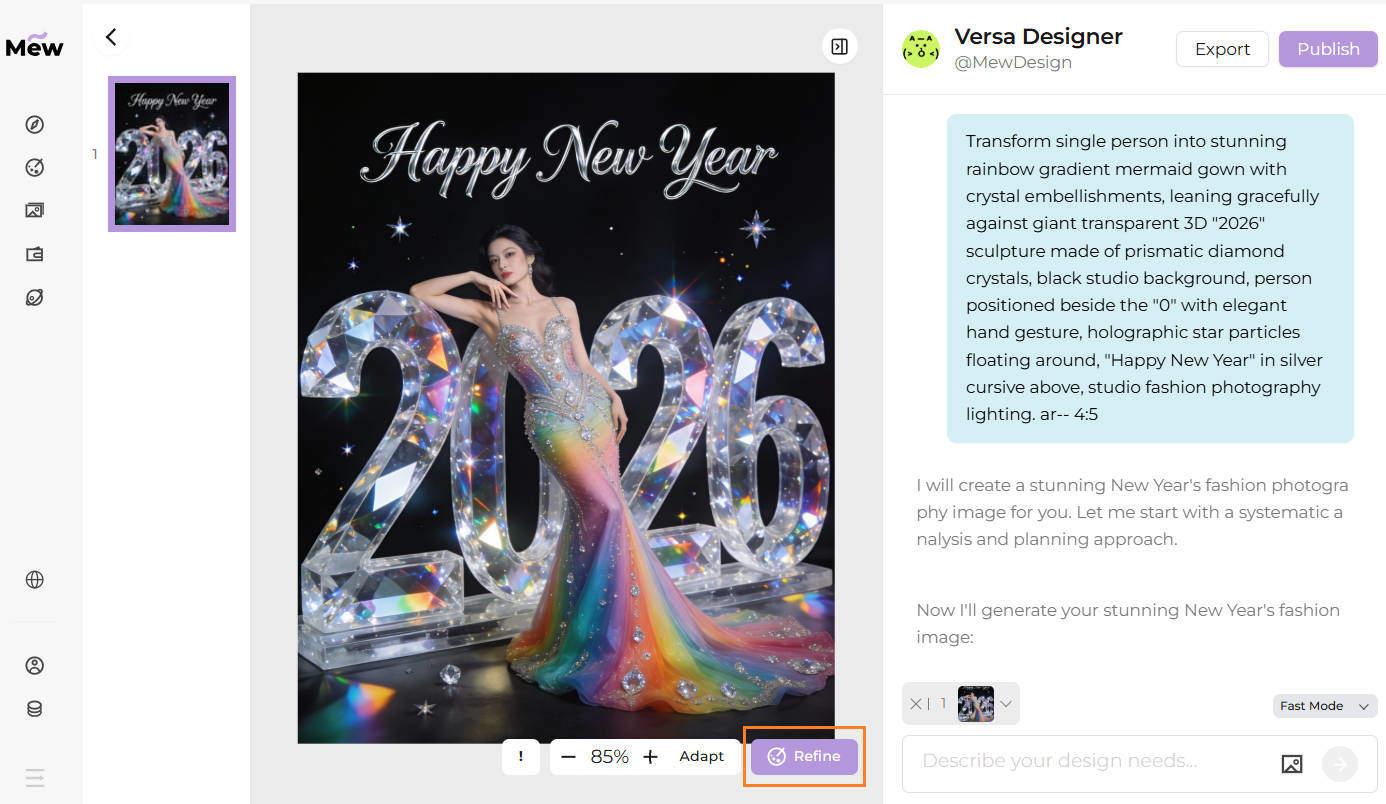
I have categorized the 40 best Happy New Year AI prompts for Gemini Nano Banan Pro, so you can find exactly what you need, from fashion portraits to business marketing assets.
CATEGORY 1: PEOPLE & CELEBRATION SCENES (18 Prompts)
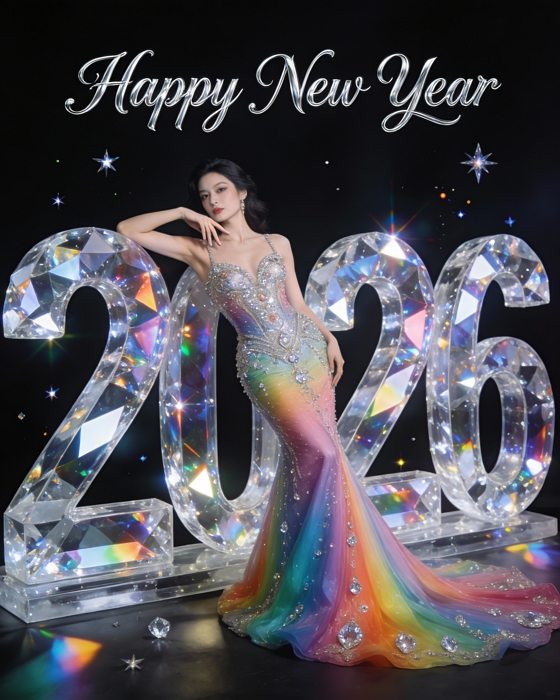
1. Glamorous Happy New Year 2026 Crystal Fashion Portrait
Using the uploaded portrait as the face reference, generate a high-end New Year celebration portrait in a glamorous studio style. Transform the person into a stunning rainbow gradient mermaid gown with crystal embellishments, couture evening wear, fitted bodice and flowing tulle skirt. The scene features oversized, freestanding 3D ‘2026’ numbers designed as solid physical sculptures made of transparent prismatic crystal, with realistic thickness, weight, and diamond-like light refraction. The person is positioned leaning naturally against the ‘0’, with part of the body weight resting on it. One hand rests elegantly on the curved surface of the ‘0’, creating clear physical interaction between the person and the sculpture. Deep black studio background, subtle holographic star particles floating softly around the scene. Elegant silver cursive ‘Happy New Year’ text appears above, refined and dimensional rather than flat. Professional studio fashion photography lighting, soft highlights, controlled shadows, luxury editorial aesthetic, high realism. --ar 4:5
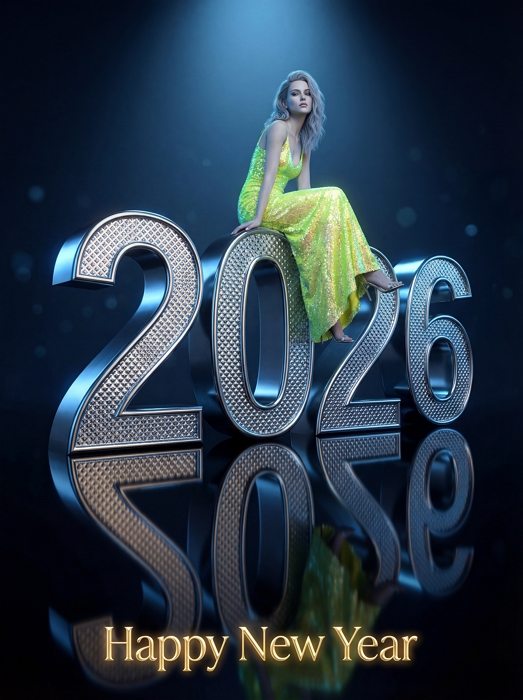
2. Glamorous Neon Pink Sequin Portrait on 3D Numbers
Transform the woman in the reference into a style single person in vibrant neon green/yellow sequin evening dress, ultra‑realistic professional studio fashion photo, low‑angle full‑body shot, sitting elegantly on a huge oversized 3D chrome diamond‑textured "2026" number sculpture, numbers extremely large and monumental, person positioned high on the "6" with legs dangling gracefully over the edge, appearing elevated and slightly distant, relaxed but confident high‑fashion pose, cool and aloof facial expression, detailed realistic face and skin, hair softly styled, black glossy reflective floor clearly mirroring the person and the "2026" sculpture, dramatic cool spotlight from above and slightly behind, strong cool blue rim light outlining the silhouette and edges of the numbers, subtle soft fill light on the face, overall cool‑tone color grading with only a few warm golden accents, "Happy New Year" text in elegant golden glow at the bottom center, dark luxurious studio background with subtle cool bokeh and light falloff, ultra‑luxurious clean composition, 8k resolution, sharp focus on person and numbers, no distortion, no extra people, no clutter. --ar 3:4
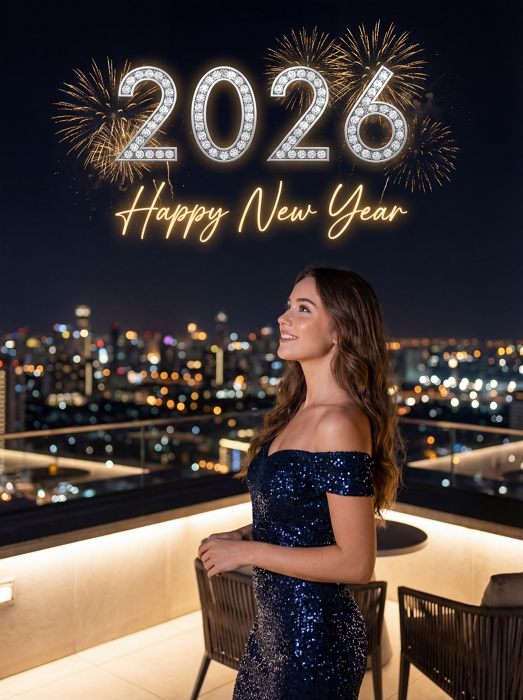
3. Rooftop Female Portrait with Fireworks
Generate a New Year 2026 celebration poster, ultra realistic photo, stylish young woman (same woman as reference) on a rooftop balcony at night, city skyline full of glowing bokeh lights in the background, she stands in side profile, smiling and looking slightly up, long wavy brown hair, wearing an off-shoulder dark blue sequin evening dress, elegant and glamorous, soft flattering beauty lighting on her face and body, above her in the sky huge sparkling silver diamond "2026" numbers, golden fireworks bursting behind the numbers, glowing handwritten golden script text "Happy New Year" under the numbers, dark night sky, cinematic composition, high detail, 8k, sharp focus. --ar 3:4
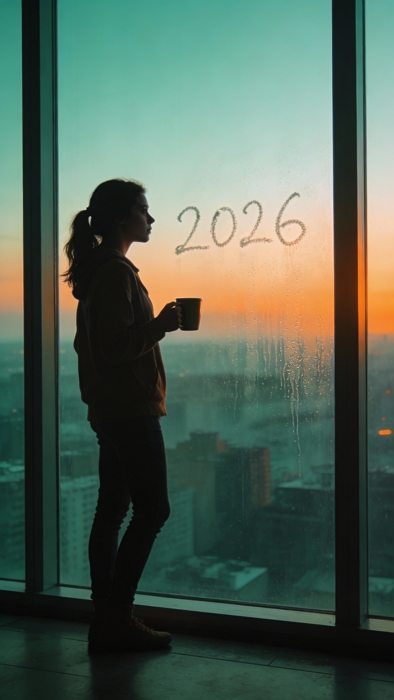
4. Solo Reflection Vision Window View
Thoughtful young woman standing by floor-to-ceiling window holding coffee mug, overlooking city at dawn, 2026 written in condensation on glass, soft morning light, contemplative mood, back lighting creating silhouette, minimalist composition, introspective atmosphere, cinematic color grading with teal and orange tones --ar 9:16
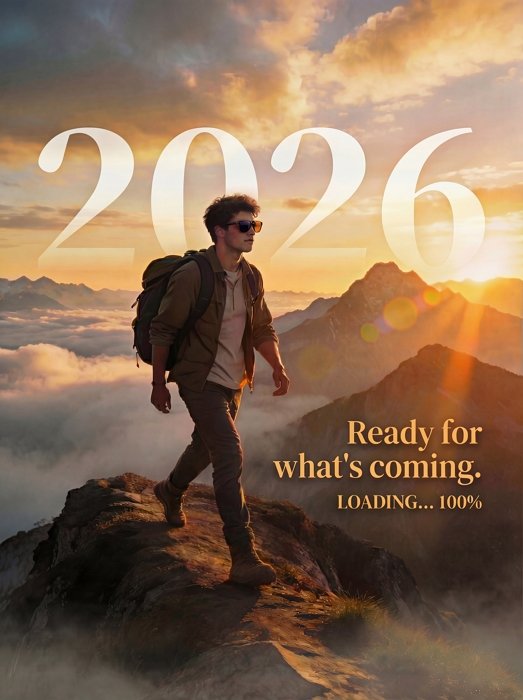
5. Epic 2026 Mountain Ridge Hike
Using the uploaded portrait as the face reference, generate a cinematic wide-angle landscape shot of a young man wearing stylish casual travel outfit, sunglasses, and a backpack, hiking confidently on an epic mountain ridge. The background features majestic mountains rising above a sea of clouds. Golden hour sunlight, sun rays breaking through, lens flare, dreamy and inspirational atmosphere. Large translucent text "2026" overlay in the sky, with a smaller tagline " Ready for what's coming." and subtagline “LOADING... 100%”. --ar 3:4
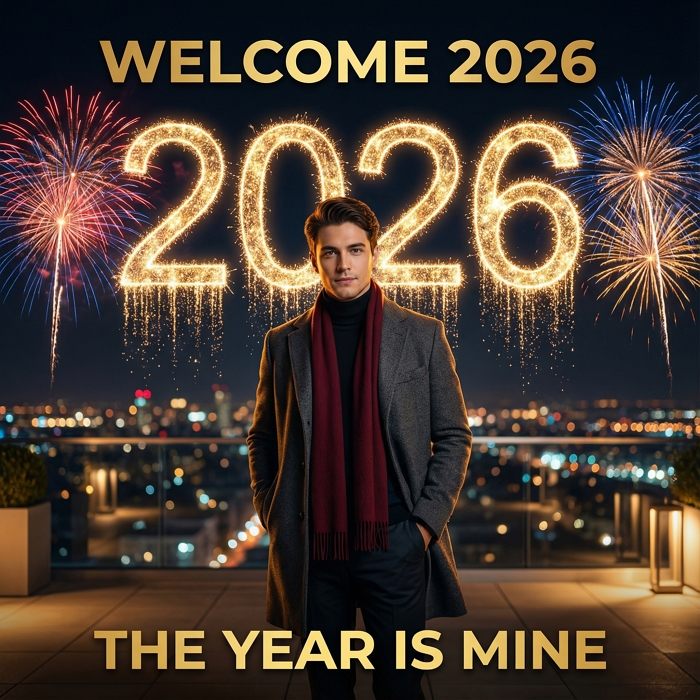
6. Cinematic Rooftop Male Portrait
Using the uploaded portrait as the face reference, generate a New Year 2026 cinematic rooftop portrait, single stylish young man standing on a modern rooftop terrace at night, hands in coat pockets, wearing a dark grey long wool overcoat, black turtleneck sweater, dark pants, and a deep red scarf, facing camera, calm confident expression, soft warm light on his face and coat edges, city skyline and glowing bokeh lights in the background far below, dark clear night sky; huge glowing golden “2026” numbers behind him, made of sparkling light like fireworks, centered and dominant, with trails of glitter falling down; colorful fireworks exploding on both sides of the numbers; top of the poster has bold golden text “WELCOME 2026”, bottom has bold golden text “THE YEAR IS MINE”, clean modern typography; cinematic composition, shallow depth of field, ultra‑realistic, 8k, dramatic but warm lighting, high‑end New Year poster style --ar 1:1
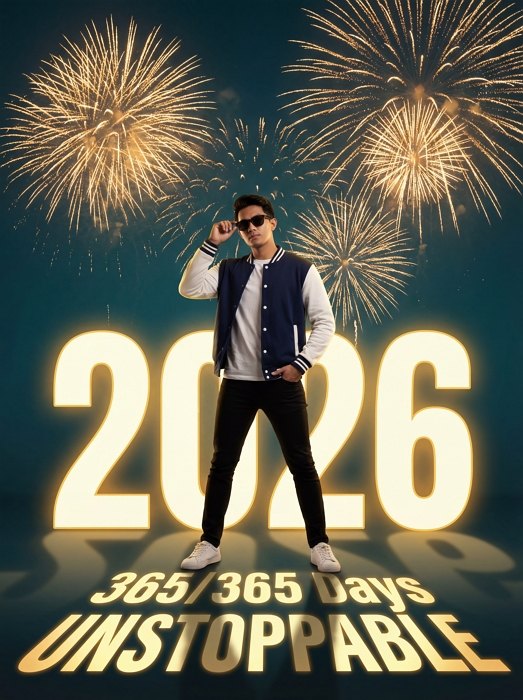
7. New Year 2026 Fireworks Poster with Stylish Young Man
Using the uploaded portrait as the face reference, generate a New Year 2026 cinematic poster, confident stylish young man standing full body in front of huge golden “2026” numbers, casual streetwear varsity jacket in navy blue and white sleeves, white T‑shirt, black slim pants, white sneakers, wearing sunglasses, one hand adjusting glasses, the other in pocket, powerful hero pose, massive golden fireworks bursting behind him, dark teal background, glowing gold text “365/365 Days UNSTOPPABLE”, dramatic lighting, ultra‑realistic, high detail, 8k, clean modern composition. --ar 3:4
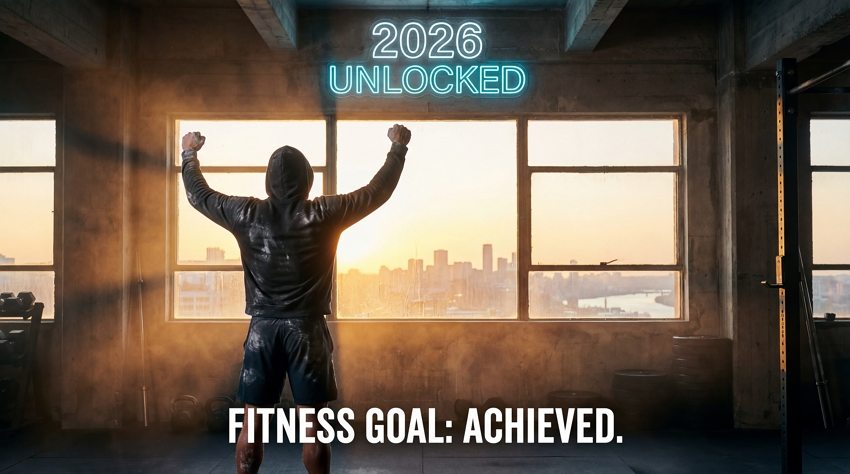
8. Fitness Goal Achievement 2026
Generate a cinematic wide-angle photograph of a powerful, fit athlete (woman/man - choose one) standing triumphantly in a brutalist, high-end gym at sunrise. They are covered in sweat and chalk dust, looking out a massive industrial window overlooking a waking city skyline on January 1st. Golden hour light streams in, creating dramatic light rays and atmospheric haze. A large neon sign integrated into the architecture above the window glows with the text "2026 UNLOCKED". Below it, smaller text overlay reads: "FITNESS GOAL: ACHIEVED." The vibe is gritty, inspiring, and triumphant. Film grain. --ar 16:9 --style raw
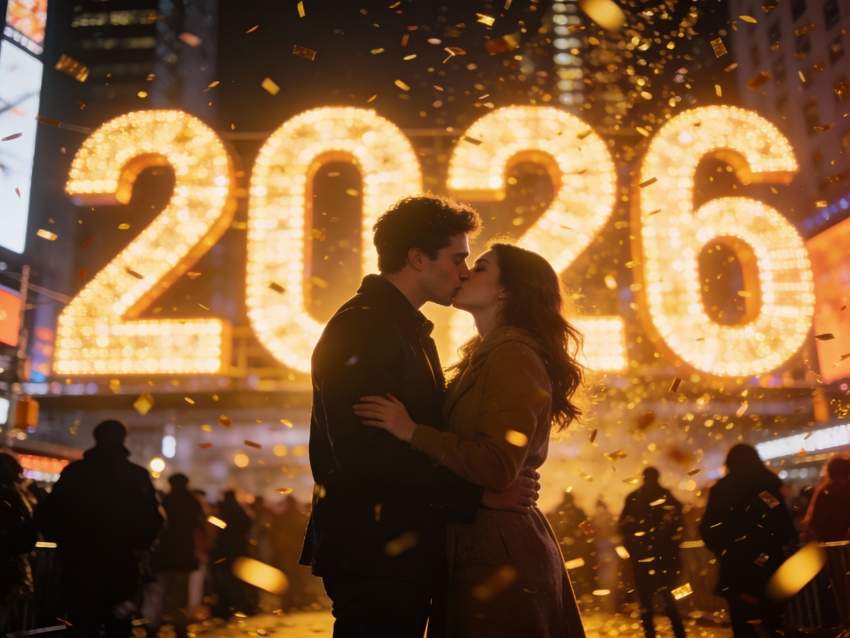
9. Romantic Midnight Kiss Couple Photo
Cinematic shot of young couple kissing at midnight, Times Square style setting with massive 2026 digital display behind them, falling golden confetti, crowd silhouettes in background, warm bokeh lights, shallow depth of field, f/1.8 aperture, romantic atmosphere, professional DSLR quality, golden hour color grading --ar 4:3
10. Romantic Couple on Luxury Rooftop
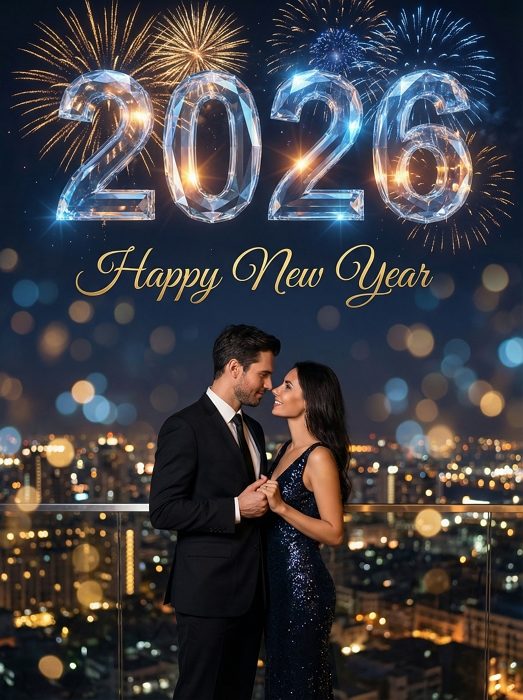
Using the uploaded portrait as the face reference, generate an image of a romantic couple wearing elegant evening outfits, standing on a luxury rooftop at night. They are gazing at each other under a giant sparkling "2026" text made of diamond-like crystal material, NOT a diamond shape, just the numbers 2026 styled with a shiny diamond texture. The "2026" should look like large translucent crystal letters floating in the sky, with faceted reflections and glittering highlights. Add "Happy New Year" text above in golden handwritten script. City lights twinkle below, with golden and blue fireworks in the background. Include atmospheric bokeh lighting for a cinematic, intimate, and festive feel. Ensure the couple’s facial features resemble the uploaded photos while blending naturally with the glamorous New Year 2026 party atmosphere. --ar 3:4
11. Family Luxury Rooftop Celebration
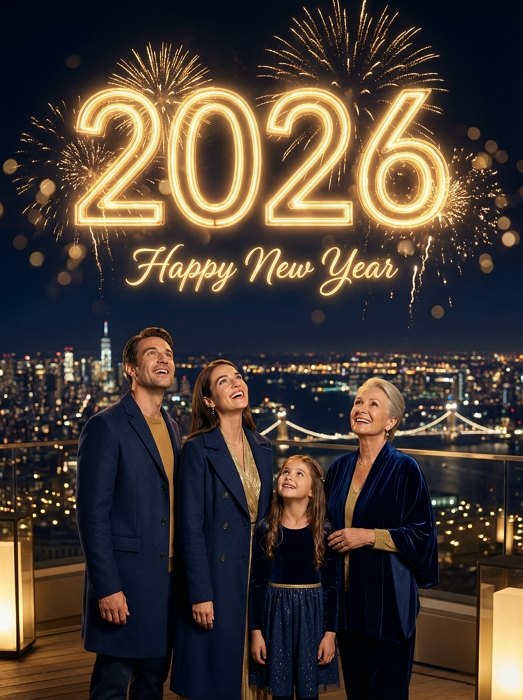
A warm celebratory photograph of a family of four in formal attire standing on a luxury rooftop terrace at night. A giant golden neon sign displaying the number "2026" with sparkling text "HAPPY NEW YEAR" below it glows brightly behind them. The background is a city skyline illuminated by a grand fireworks display and bokeh city lights. Warm lighting, joyful and festive atmosphere. --ar 3:4
12. Diverse Friends Rooftop Party
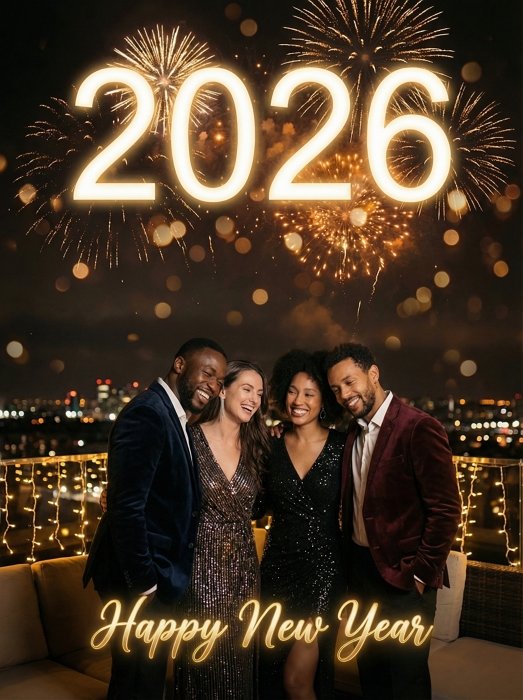
Transform the four people in the reference image to a warm celebratory group photograph of a diverse group of friends in party outfits standing on a luxury rooftop terrace at night, looking happy. A huge glowing neon sign (or marquee light sign) displaying "2026 HAPPY NEW YEAR" illuminates them from behind. The background is a city skyline under a grand fireworks display. Warm ambient lighting, string lights, fire pit, bokeh city lights, festive atmosphere. --ar 3:4
13. Friends Jumping Party Celebration
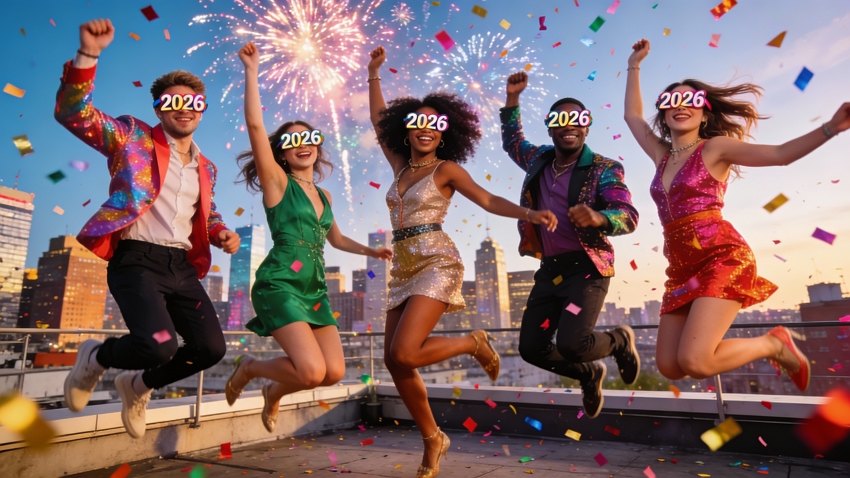
Generate an image of dynamic group of 5 diverse friends jumping in synchronized motion at rooftop party, wearing trendy party outfits with 2026 glasses, city skyline with fireworks in background, colorful confetti frozen mid-air, energetic celebration mood, high-speed photography, vibrant colors, Instagram-worthy composition, golden hour lighting --ar 16:9
14. Three Generation Family Home Celebration
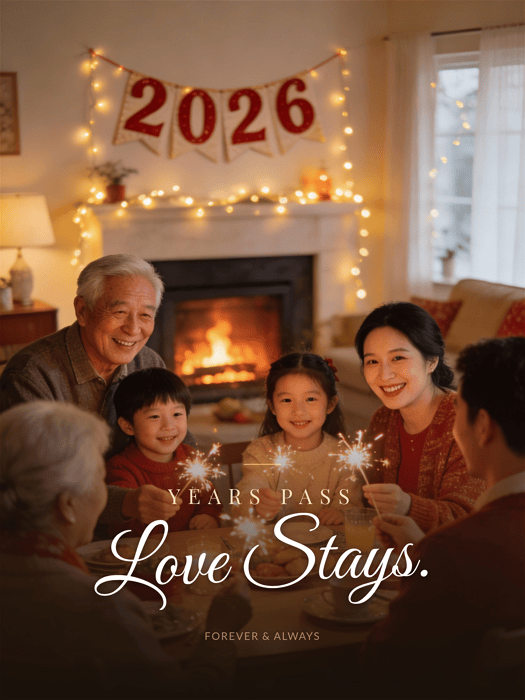
Heartwarming scene of three generations family gathered around dining table, grandparents, parents and children holding sparklers, cozy living room decorated with 2026 banner and fairy lights, fireplace glowing in background, warm ambient lighting, soft focus, genuine smiles and laughter, documentary photography style, natural colors. Add the caption “Years pass. Love stays.” --ar 3:4
15. Corporate Team Success Office Celebration
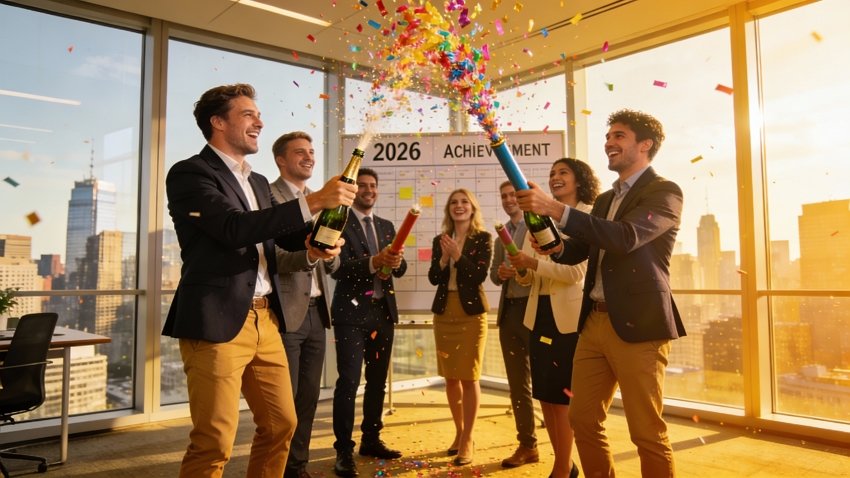
Professional business team of 8 people in modern office celebrating achievements, popping champagne bottles with 2026 achievement board visible, confetti cannons, mix of formal and smart casual attire, floor-to-ceiling windows showing city view, corporate celebration atmosphere, professional photography, bright natural lighting, success and teamwork theme --ar 16:9
16. Street DJ Party Urban Celebration
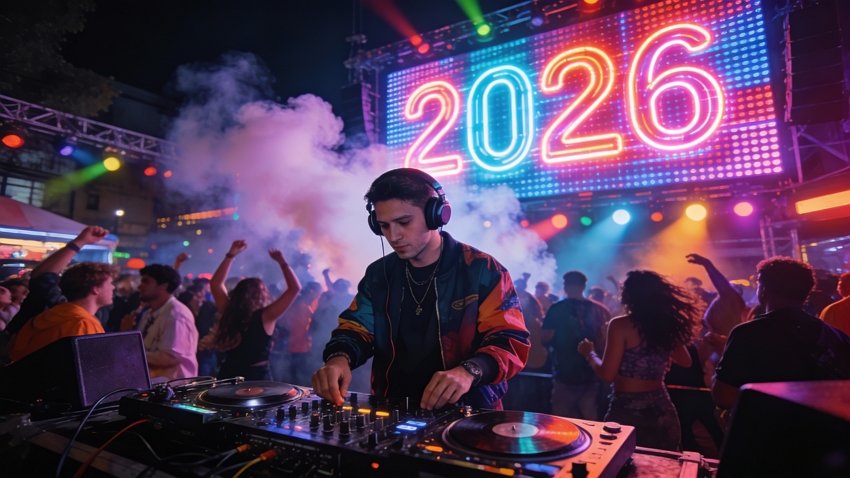
Energetic street DJ in front of turntables with crowd dancing, wearing headphones and fashionable streetwear, massive LED wall displaying 2026 in neon colors, smoke machine effects, colorful stage lights, urban night party atmosphere, wide angle shot, dynamic composition, vibrant club lighting, festival energy --ar 16:9
17. Concert Crowd Cheering Music Festival
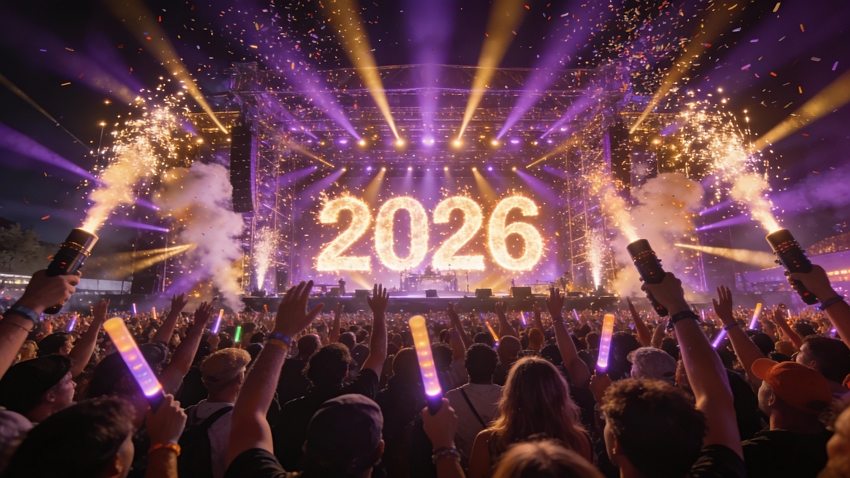
Massive crowd with hands raised at outdoor music festival, stage with giant 2026 pyrotechnic display, confetti cannons shooting into air, dramatic stage lighting with purple and gold beams, sea of people wearing glow sticks, epic concert atmosphere, shot from stage perspective, wide angle lens, festival energy --ar 16:9
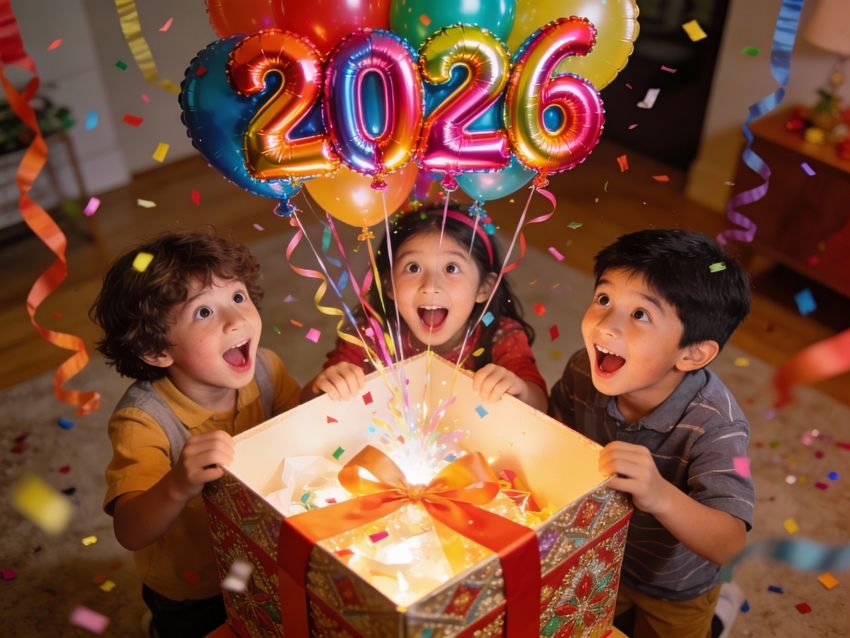
18. Children Surprise Expression Gift Opening
Authentic moment of 3 excited children with wide eyes and open mouths, opening oversized gift box with 2026 balloon bouquet floating out, colorful party decorations, natural home lighting, genuine emotional expressions, captured from slightly above, warm family atmosphere, candid photography style, soft focus background --ar 4:3
CATEGORY 2: SCENERY & OBJECTS (9 Prompts)
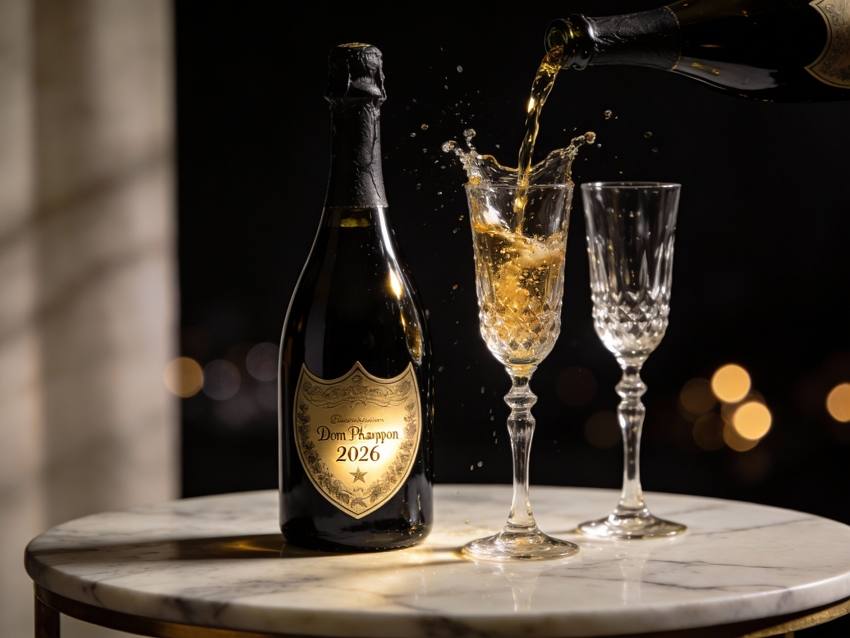
19. Luxury Champagne Still Life
High-end product photography of Dom Perignon champagne bottle and crystal flutes on marble table, 2026 engraved on bottle label catching light, black and gold color scheme, bokeh lights in dark background, liquid gold pouring creating splash, professional studio lighting, commercial photography quality, luxury lifestyle aesthetic --ar 4:3
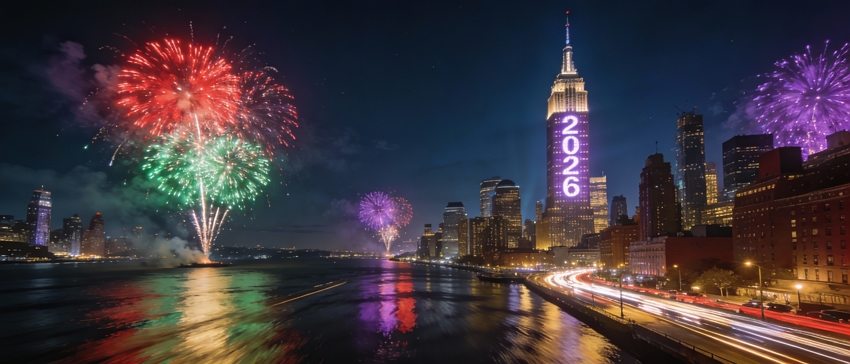
20. City Night Skyline Fireworks Panorama
Breathtaking panoramic view of New York City skyline at midnight, Empire State Building illuminated with 2026 light projection, multiple fireworks explosions in different colors, light trails from traffic below, long exposure photography, reflections on Hudson River, cinematic ultra-wide composition, metropolitan celebration atmosphere --ar 21:9
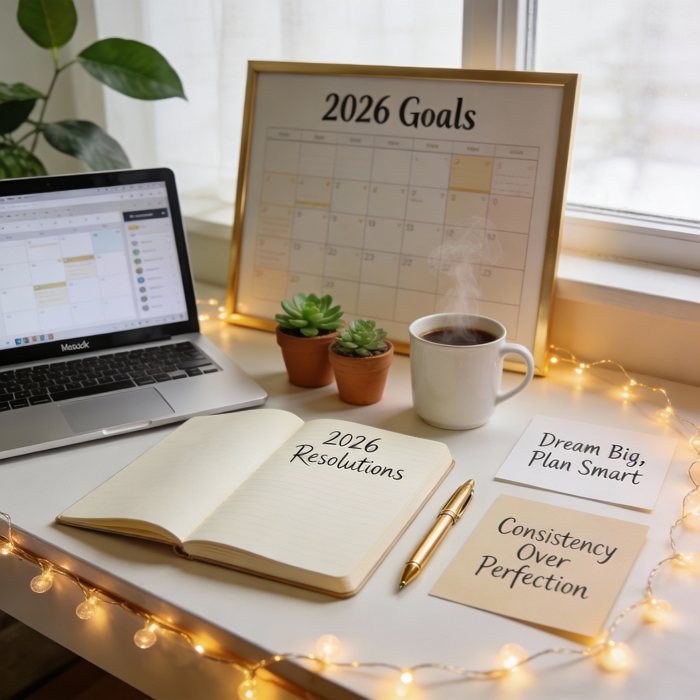
21. Vision Board Desk Setup Goals Planning
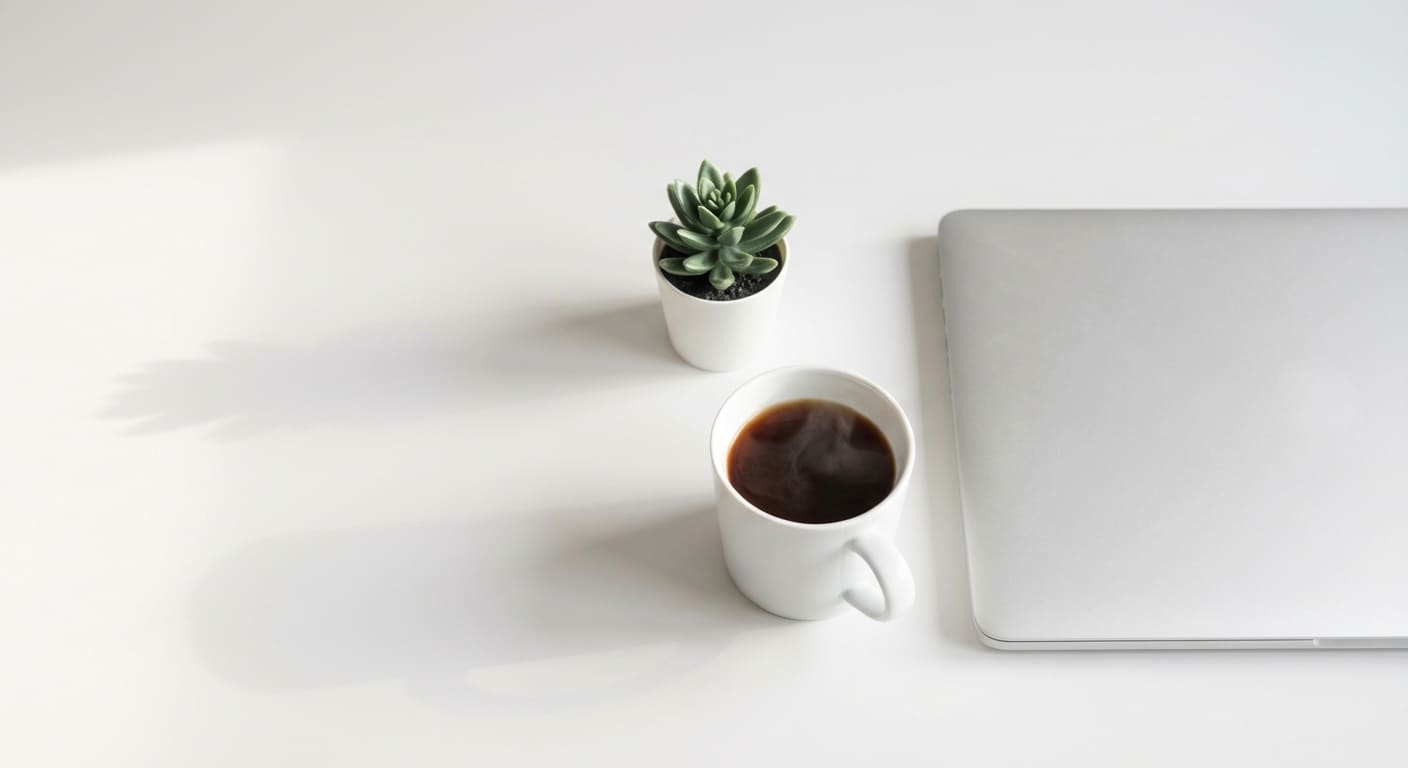
Aesthetically arranged desk flat lay with vision board showing 2026 Goals, MacBook, journal with handwritten resolutions, coffee cup, succulents, gold pen, inspirational quote cards, fairy lights, Pinterest-worthy composition, soft natural window light, productivity and planning theme, warm minimalist aesthetic --ar 1:1
22. Winter Wonderland Small Town Snow Scene
Magical snow-covered European village at twilight, church with 2026 illuminated on bell tower, warm lights glowing from cottage windows, freshly fallen snow on pine trees, horse-drawn sleigh passing through cobblestone street, festive decorations, soft blue hour lighting, Christmas card aesthetic, cozy winter atmosphere --ar 16:9

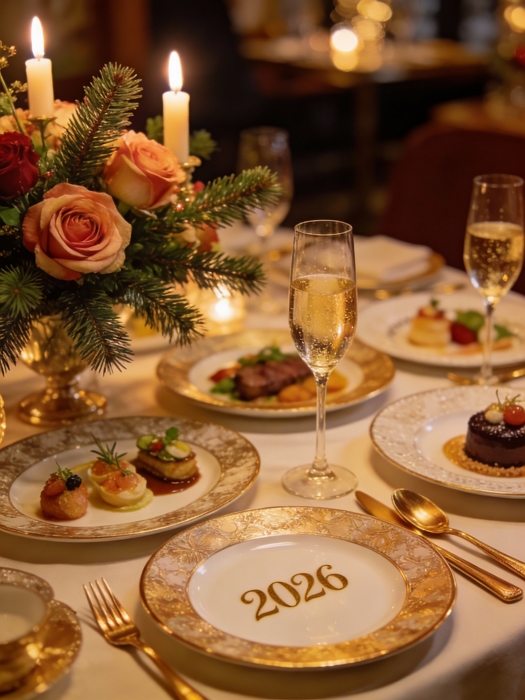
23. Fine Dining Table Setting Gourmet Feast
Exquisite table setting for New Year's Eve dinner, fine china with 2026 monogram, champagne flutes, gold cutlery, fresh flower centerpiece, multiple course plates artfully arranged, candlelight illumination, luxury restaurant ambiance, food photography style, shallow depth of field, elegant celebration theme --ar 3:4
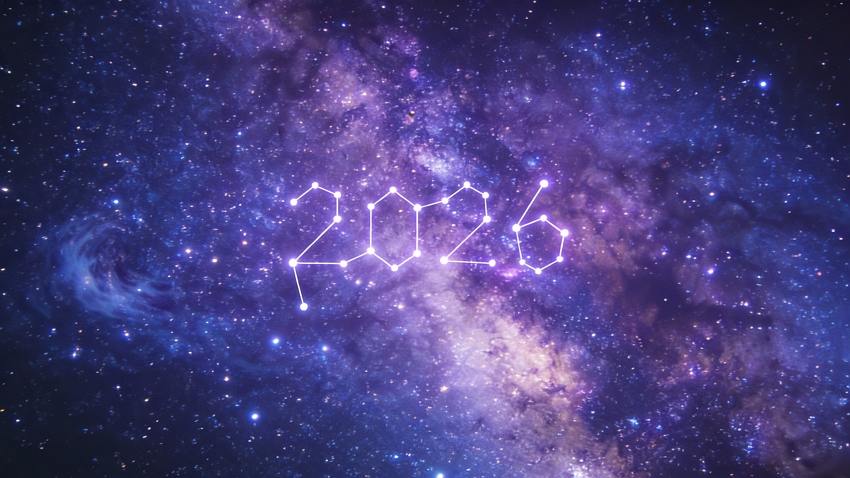
24. Space Galaxy Stars Cosmic Celebration
Stunning deep space photography with nebula and stars, constellation forming 2026 pattern, Milky Way galaxy visible, purple and blue cosmic colors, ethereal space atmosphere, NASA quality astrophotography, sense of infinite possibilities, new frontier theme, long exposure starscape --ar 16:9
25. Japanese Zen Garden Peaceful Meditation
Serene Japanese zen garden with carefully raked gravel patterns forming 2026, bamboo fountain, stone lantern, bonsai tree, koi pond with lily pads, traditional wooden architecture in background, soft morning mist, minimalist aesthetic, peaceful atmosphere, cultural authenticity, natural color palette --ar 4:3

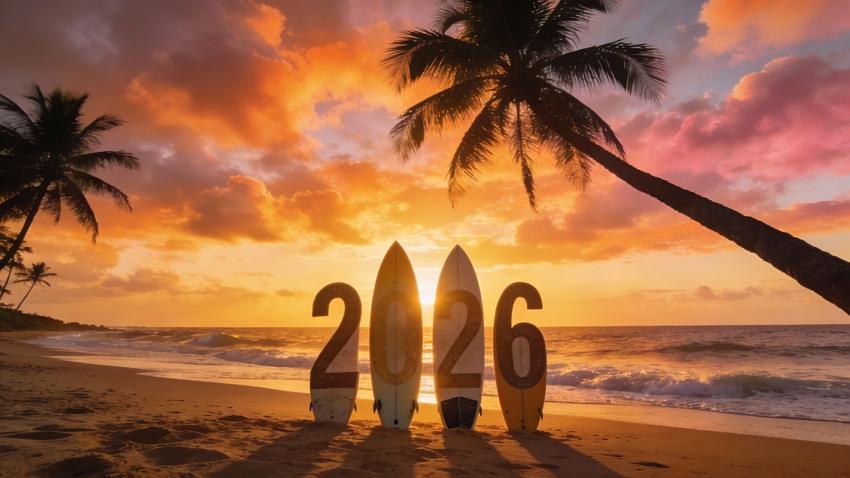
26. Beach Sunrise Surfboard Ocean Adventure
Golden hour beach scene with surfboards standing in sand spelling 2026, dramatic sunrise with orange and pink clouds, gentle waves, palm trees silhouette, tropical paradise vibe, adventure and freedom theme, landscape photography, vivid colors, new adventure beginning atmosphere --ar 16:9
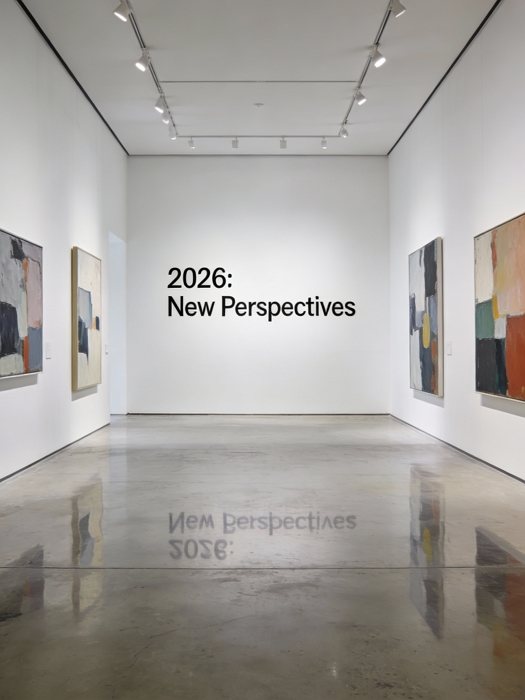
27. Art Gallery Exhibition Contemporary Art
Modern art gallery interior with 2026: New Perspectives exhibition title on white wall, contemporary abstract paintings, minimalist gallery lighting, polished concrete floor reflecting artworks, sophisticated cultural space, museum quality photography, clean lines, artistic and intellectual atmosphere --ar 3:4
CATEGORY 3: BUSINESS & MARKETING (8 Prompts)
28. E-commerce Sale Banner Shopping Promotion
Bold e-commerce promotional banner design, NEW YEAR 2026 MEGA SALE 70% OFF in eye-catching typography, shopping cart icon with gift boxes, golden confetti elements, red and gold color scheme, modern flat design style, clean commercial aesthetic, call-to-action button, digital marketing ready composition --ar 16:9

29. Brand Product Launch Event Corporate Presentation
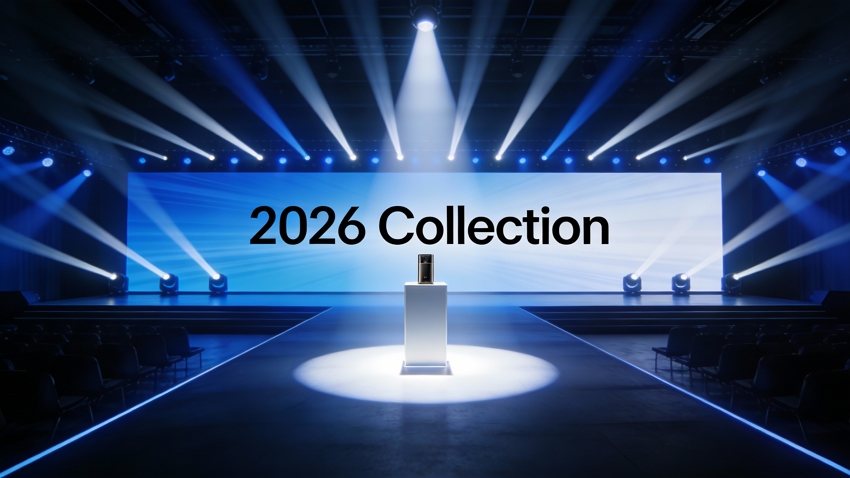
Professional product launch event stage, large LED screen displaying Introducing 2026 Collection, sleek product podium with spotlight, corporate branding elements, modern convention center setting, dramatic stage lighting with blue and white tones, business photography style, innovation and technology theme --ar 16:9
30. Restaurant Menu Design Special Dining Offer
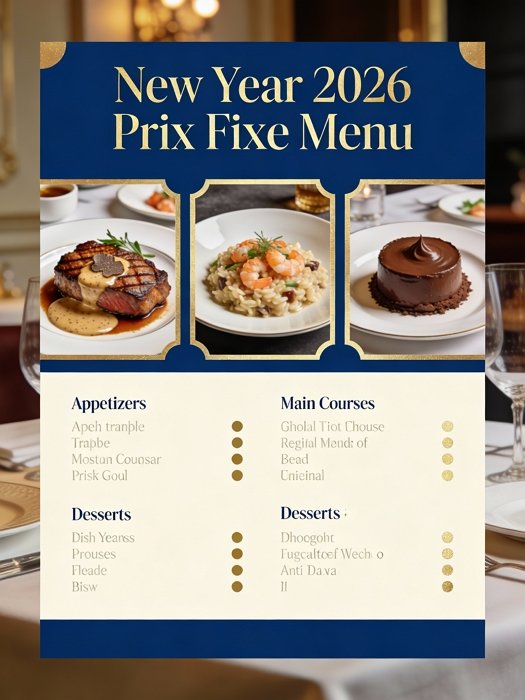
Elegant restaurant menu template layout, New Year 2026 Prix Fixe Menu in sophisticated serif font, food photography of gourmet dishes, gold foil accents, navy blue and cream color palette, upscale dining aesthetic, menu board design, culinary presentation, professional graphic design --ar 3:4
31. Gym Membership Ad Fitness Motivation
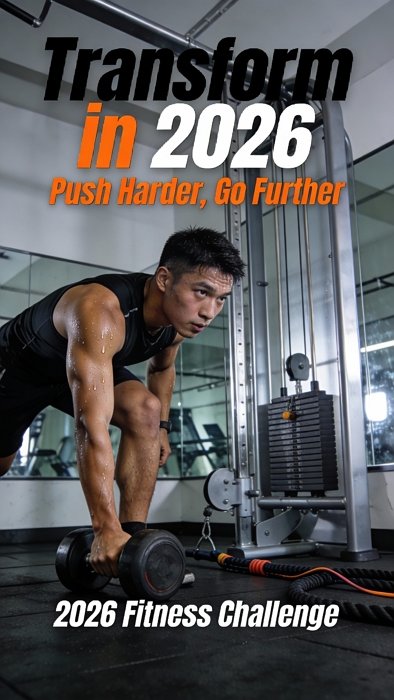
Dynamic fitness advertising poster, Transform in 2026 headline with before-after body transformation visuals, modern gym equipment in background, energetic athlete mid-workout, bold typography, motivational color scheme of black, orange and white, commercial photography quality, health and wellness marketing --ar 9:16
32. Tech Product Poster Innovation Gadget
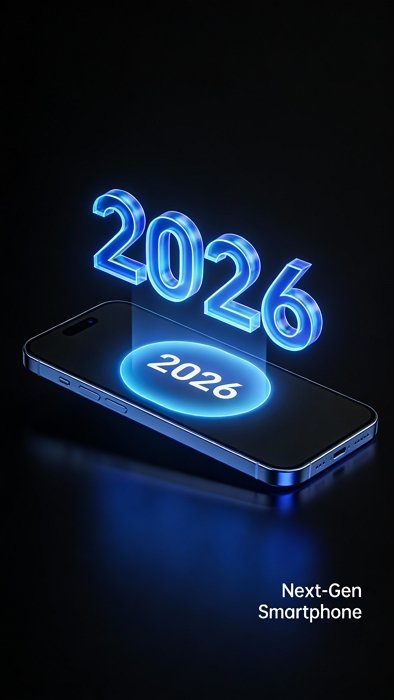
Futuristic tech product poster, sleek smartphone or gadget floating with holographic 2026 display, minimalist black background, blue accent lighting, technical specifications visible, modern tech aesthetic, product photography perfection, innovation and cutting-edge technology theme, Apple-style marketing --ar 9:16
33. Coffee Shop Special Drink Menu Photo
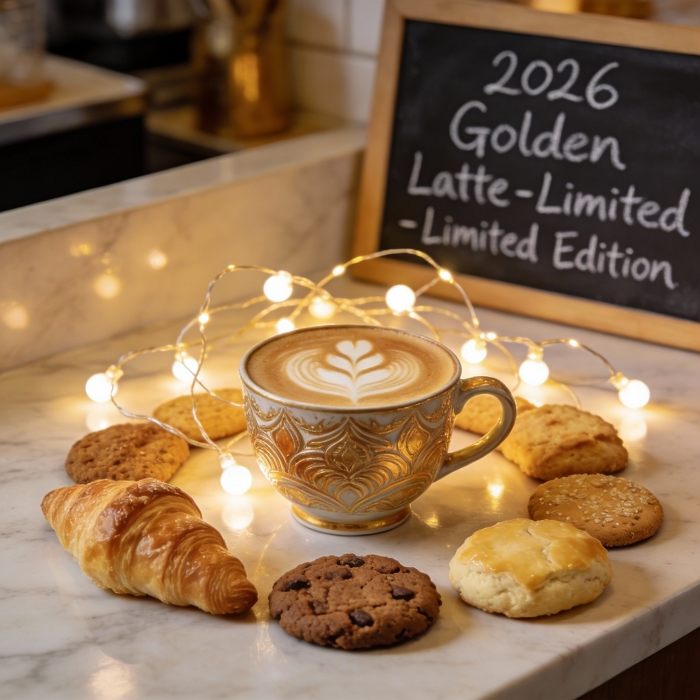
Instagram-worthy coffee shop flat lay, specialty 2026 Golden Latte in artistic cup with latte art, marble countertop, pastries and cookies arranged around drink, fairy lights, chalkboard menu in background, warm cafe lighting, food photography style, cozy coffee culture aesthetic --ar 1:1
34. Travel Destination Promo Vacation Package
Breathtaking travel poster featuring tropical paradise island, Escape to Paradise 2026 typography overlaid on crystal clear turquoise water, luxury beach resort in background, palm trees, white sand beach, travel photography excellence, wanderlust and vacation theme, vibrant destination marketing --ar 16:9

CATEGORY 4: CREATIVE & ARTISTIC STYLES (7 Prompts)
35. Cyberpunk Future City Neon Night
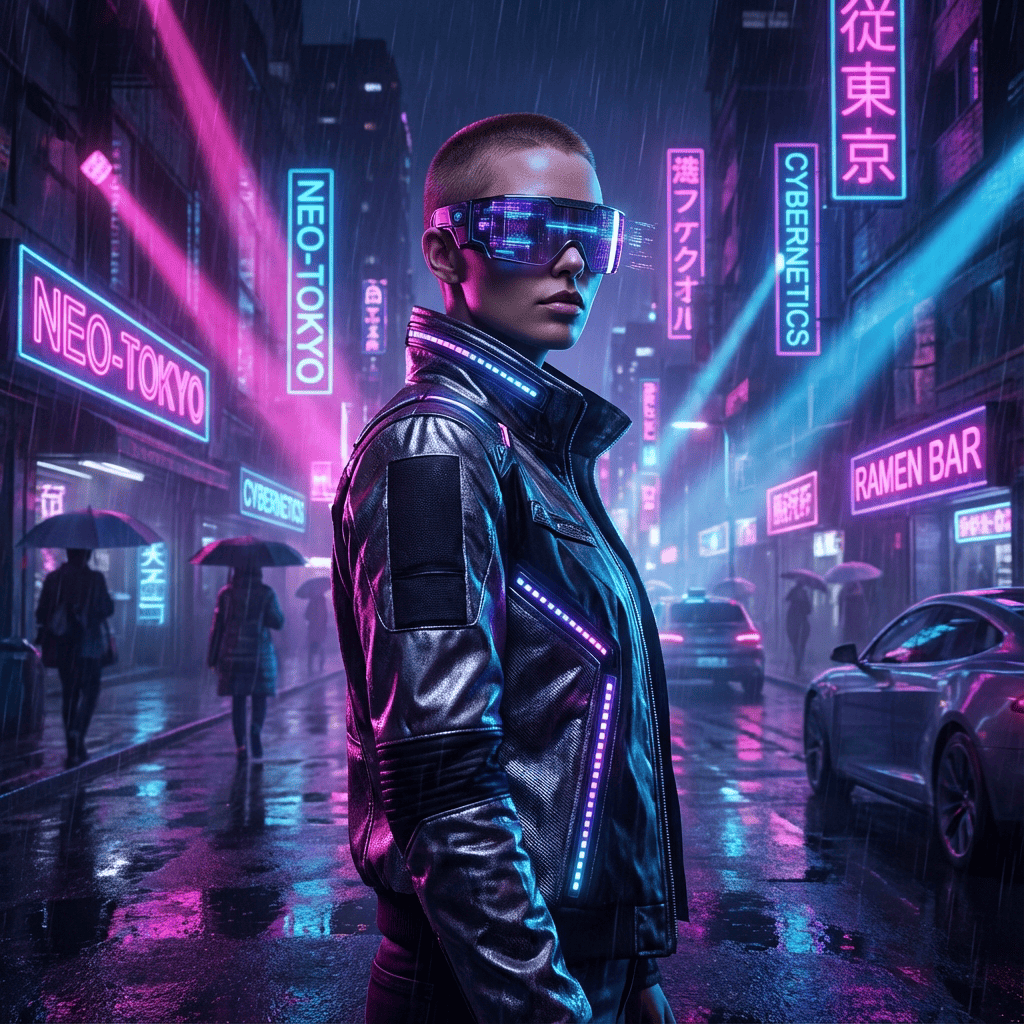
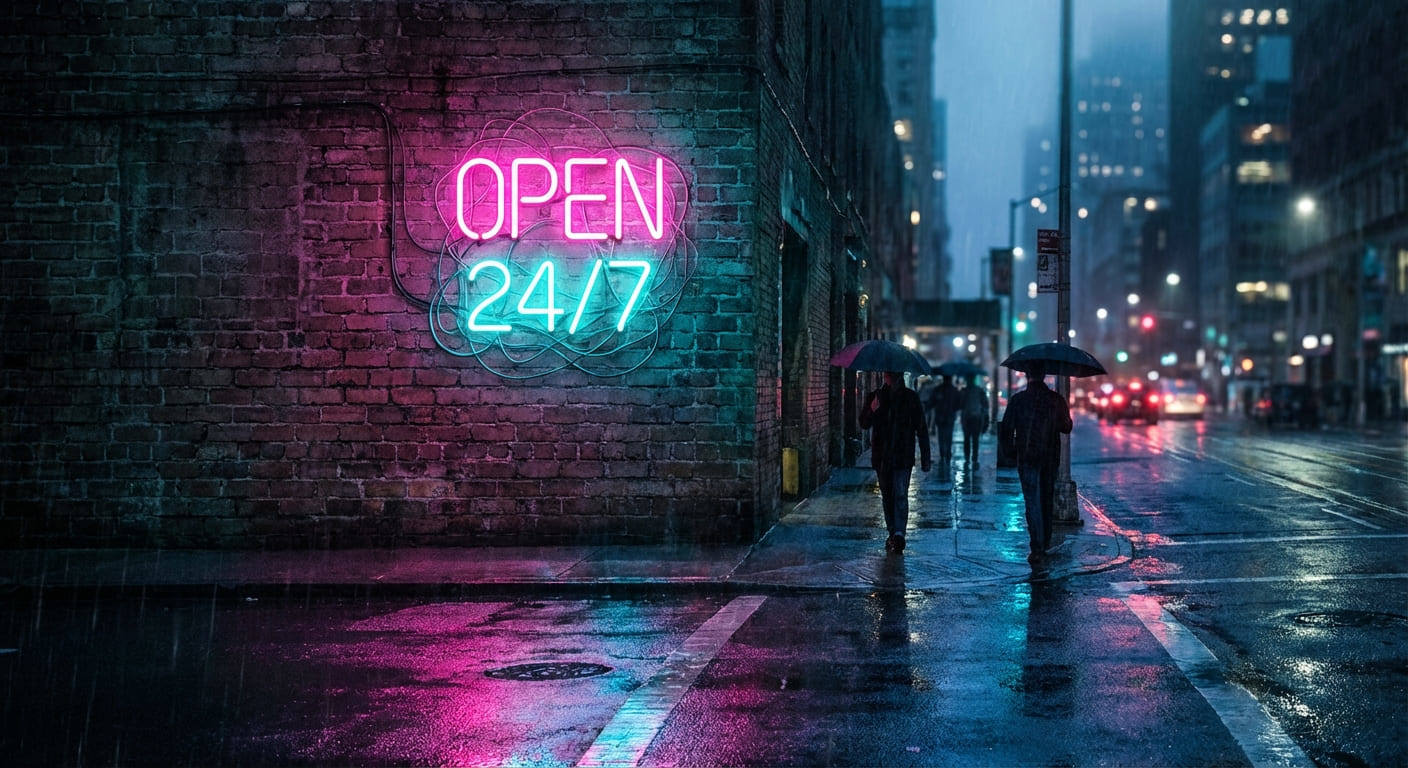
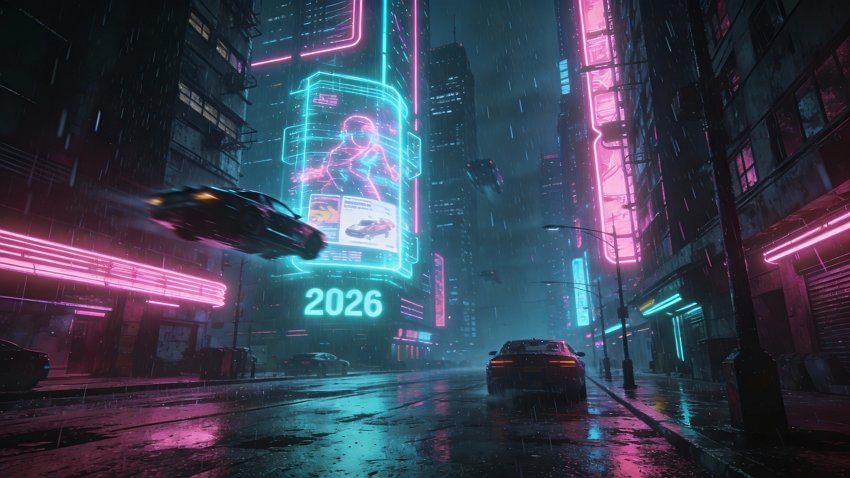
Cyberpunk cityscape with towering neon skyscrapers, holographic 2026 billboard floating in rain-soaked streets, flying cars, pink and cyan neon lights reflecting on wet pavement, dystopian future aesthetic, Blade Runner inspired, dramatic lighting, sci-fi atmosphere, high contrast cinematic style --ar 16:9
36. Vaporwave Retro Aesthetic Digital Art
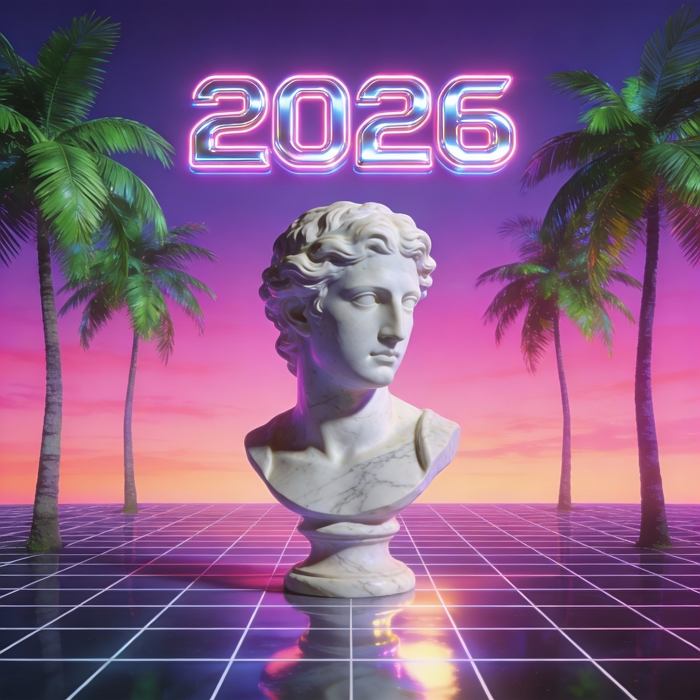
Vaporwave aesthetic digital art, 2026 in retro 80s chrome text, Greek sculpture bust, palm trees, geometric grid floor, sunset gradient background in pink and purple, glitch art effects, nostalgic Y2K revival style, surreal composition, Memphis design influence, internet culture aesthetic --ar 1:1
37. Underwater Fantasy World Ocean Magic
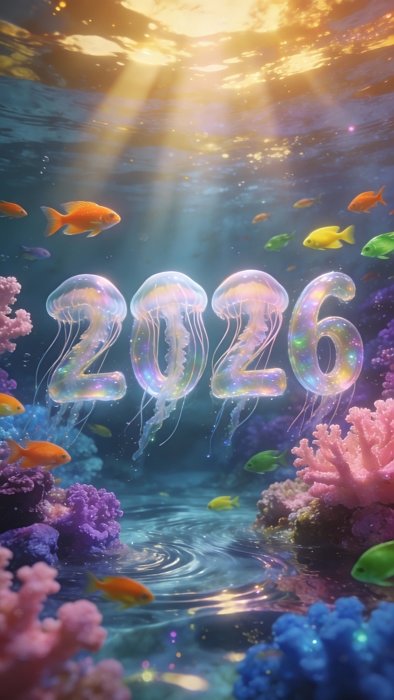
Enchanting underwater scene with 2026 formed by bioluminescent jellyfish, coral reef with vibrant colors, tropical fish swimming around, rays of sunlight penetrating water surface creating god rays, aquatic fantasy atmosphere, ethereal blue tones, magical realism style, dreamlike quality --ar 9:16
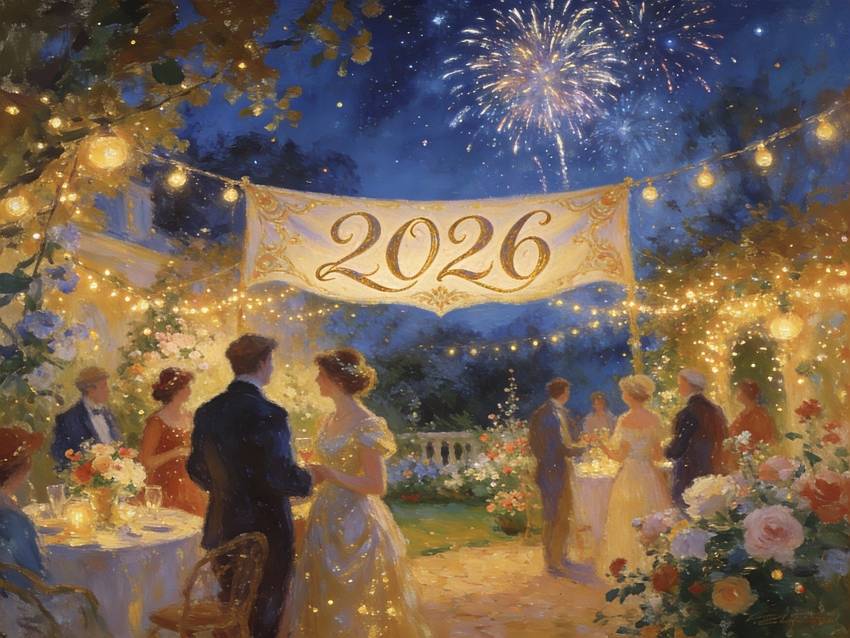
38. Oil Painting Impressionist Style
Classical impressionist oil painting style, New Year's Eve garden party scene with 2026 in elegant script, visible brushstrokes, soft focus, warm color palette of golds and blues, Monet-inspired aesthetic, romantic atmosphere, fine art museum quality, artistic interpretation, timeless elegance --ar 4:3
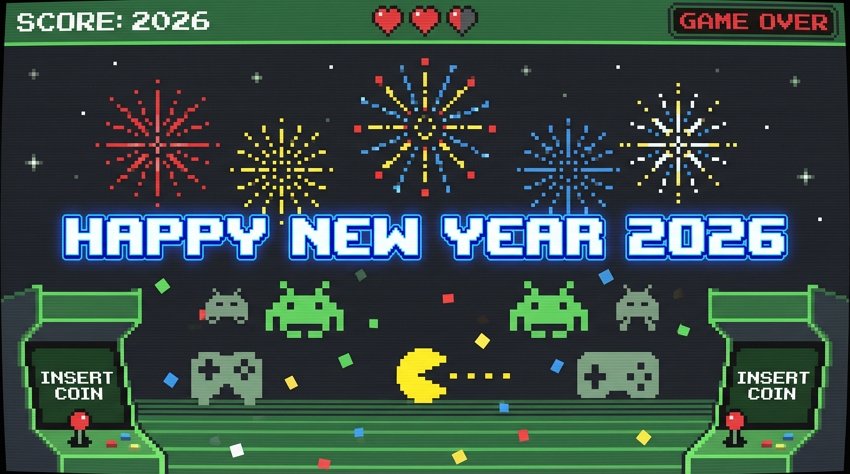
39. Pixel Art Retro Gaming 8-Bit Style
8-bit pixel art style celebration scene, HAPPY NEW YEAR 2026 in retro gaming font, pixelated fireworks, arcade game aesthetic, nostalgic color palette, video game UI elements, Game Boy inspired design, geek culture tribute, nostalgic gaming atmosphere, sharp pixels --ar 16:9
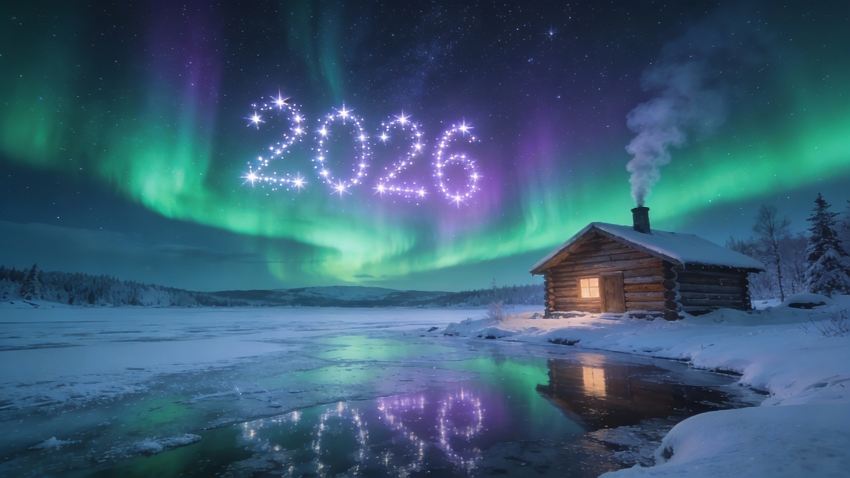
40. Aurora Borealis Nordic Natural Wonder
Spectacular aurora borealis dancing in night sky over snowy Nordic landscape, 2026 constellation pattern visible in stars, green and purple northern lights, frozen lake reflecting lights, log cabin with warm glow, natural wonder photography, mystical atmosphere, once-in-lifetime moment, breathtaking beauty --ar 16:9
How to Write the Best Happy New Year 2026 Prompts
To get that “wow” factor for your 2026 visuals, you need to be specific about lighting and texture. Here is the formula for a perfect New Year prompt:
1. The “Hero” Text: AI often struggles with text, but Nano Banana Pro is getting better. Always wrap your text in quotes: “Huge 3D crystal text reading ‘2026’” or “Neon sign saying ‘Happy New Year’”.
2. Lighting & Atmosphere: New Year’s Eve is all about contrast. Use keywords like:
- “Bokeh lights” (for that out-of-focus city shimmer).
- “Golden hour” or “Midnight blue hour”.
- “Sparklers,” “Fireworks,” “Glitter,” and “Confetti”.
3. Materiality: Define what things are made of. Instead of “a big number,” try:
- “Translucent prismatic crystal”
- “ Brushed gold metal”
- “Neon gas tubing”
- “Holographic foil”
4. The Camera Angle:
- Use “Low-angle shot” to make the year 2026 look monumental.
- Use “Wide-angle lens” for crowds and fireworks.
- Use “Macro shot” for champagne bubbles and textures.
Frequently Asked Questions (FAQ)
How do I get the AI to spell “2026” correctly?
This is the #1 struggle with AI image generation. The trick is to treat the text as an object. In your prompt, be very explicit: use quotes around the text (e.g., text “2026” written in neon) and describe the material of the letters (e.g., “made of gold balloons”). If it fails, try re-rolling the image 2-3 times. Newer models like Nano Banana Pro are significantly better at text rendering than older versions.
Can I use my own face in these New Year prompts?
Yes! This is where platforms like Mew Design shine. Instead of just describing “a woman,” you can upload your own selfie as a reference. The AI will then apply the prompt (like the “Neon Pink Sequin” outfit) to your specific facial features, creating a personalized avatar for your holiday posts.
Do I need a Gemini Pro subscription to use these New Year 2026 prompts?
Yes. To generate Happy New Year images with Gemini using Nano Banana Pro, you need an active Gemini Pro subscription. Free Gemini accounts have limited or no access to advanced image generation features.
What types of New Year 2026 visuals can I create with these prompts?
You can create New Year posters, Instagram covers, phone wallpapers, party invitations, countdown visuals, greeting cards, and campaign creatives such as “New Year, New Me” designs.
Can I copy and paste these prompts directly into Gemini?
Absolutely. All prompts in this guide are copy-and-paste ready and optimized for Gemini image generation. You can use them as-is or tweak details like colors, aspect ratio, or style.
Summary
The transition to 2026 deserves more than a generic stock photo. With Gemini Nano Banana Pro, you have the power to create visuals that are as ambitious and exciting as your New Year’s resolutions. From hyper-realistic party scenes to abstract artistic interpretations, these prompts are your starting block.
Don’t settle for the same old fireworks photo everyone else is posting. Head over to Mew Design, paste one of these prompts, and create a masterpiece that rings in the new year with style.