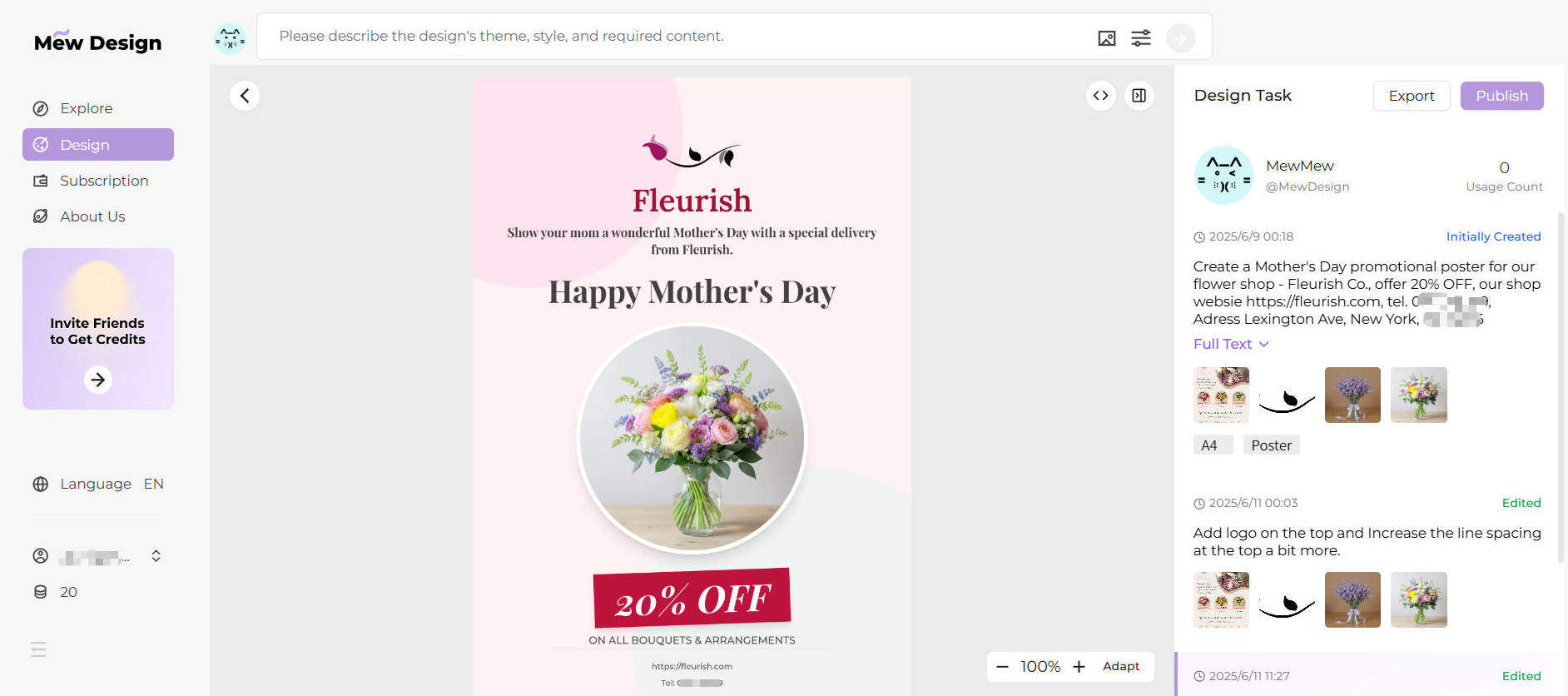
The art of transforming text into visual masterpieces has evolved dramatically with artificial intelligence. Whether you want to make a picture with words, create stunning text-to-image art, or design eye-catching word art, modern AI tools offer unprecedented creative possibilities. This comprehensive guide explores the best methods and tools for creating pictures from text in 2025.
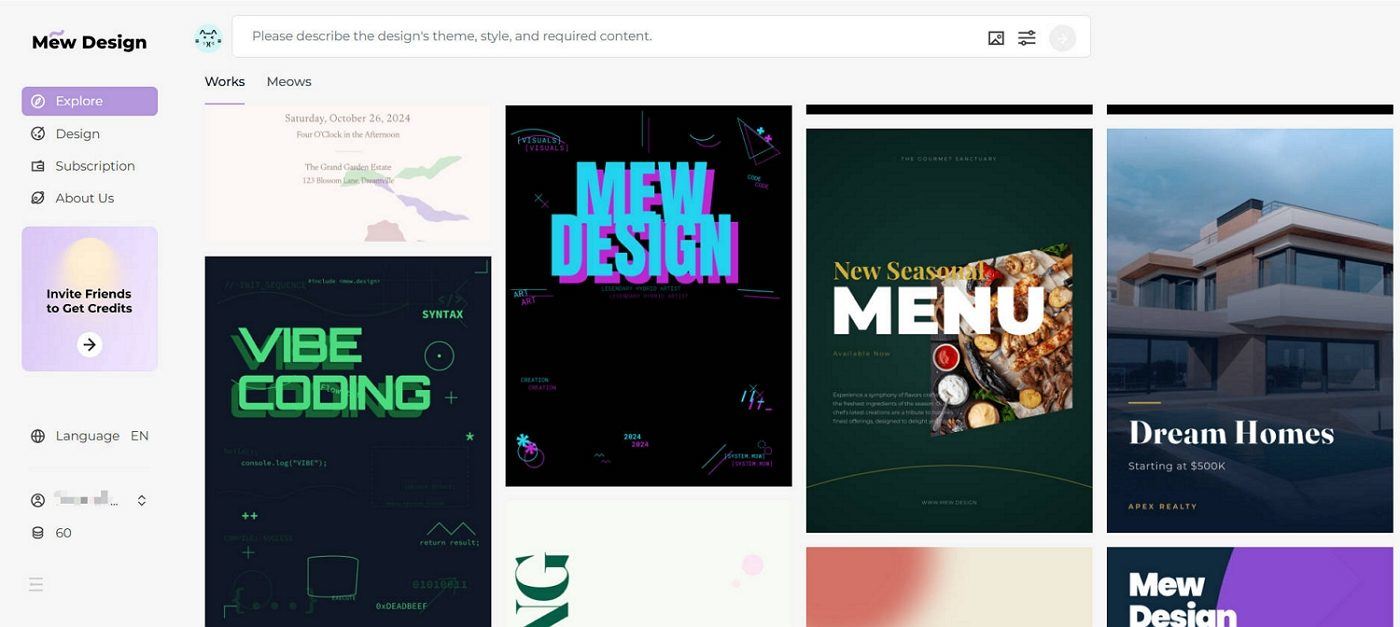
Mew Design stands out as the premier AI-powered platform for creating stunning text-based visuals. Our advanced algorithms understand natural language and transform your words into breathtaking artwork.
🚀
Transform Your Words into Visual Art with Mew Design
Experience the most advanced AI text-to-image technology. Create professional word art, stunning typography designs, and artistic text pictures in seconds.
Better: "A golden retriever puppy playing in a sunny meadow, photorealistic style"
Best: "A 3-month-old golden retriever puppy with fluffy fur running through a wildflower meadow during golden hour, shot with shallow depth of field, professional photography style"
How do I make a picture with words for free?
You can use free tools like Stable Diffusion, Bing Image Creator, or the free tier of Mew Design. Simply enter your text description and generate images. For word art specifically, try WordArt.com or Canva’s free templates.
What’s the difference between text-to-image and word art?
Text-to-image AI creates entirely new images based on written descriptions, while word art arranges actual text characters into visual designs. Both create pictures from words but use different approaches.
Can I use AI-generated text pictures commercially?
This depends on the platform’s terms of service. Mew Design offers commercial licenses, while some free tools may have restrictions. Always check the specific platform’s usage rights before commercial use.
How do I write better prompts for text-to-image generation?
Be specific and descriptive, include style references, mention technical details like lighting and composition, and use clear, concise language. Study successful examples and iterate on your prompts.
What image formats work best for text pictures?
For web use, JPEG or PNG work well. For print, use high-resolution PNG or TIFF. For word art with transparent backgrounds, always use PNG format to maintain transparency.
How can I improve the quality of my generated images?
Use detailed prompts, select higher resolution settings, try premium AI models like those in Mew Design, and experiment with different artistic styles until you find what works best for your needs.
Are there mobile apps for creating pictures with words?
Yes, many platforms offer mobile apps including Canva, Adobe Express, and various word art creators. Mew Design also works well on mobile browsers for on-the-go creation.
Can I edit the images after generating them?
Absolutely! You can use image editing software like Photoshop, GIMP, or online editors like Canva to further customize your generated images, add text overlays, or combine multiple creations.
Making pictures with words has never been more accessible or creative than in 2025. With advanced AI text-to-image generators like Mew Design, traditional word art tools, and sophisticated typography platforms, anyone can transform text into stunning visual art.
Whether you’re creating social media graphics, designing marketing materials, or pursuing personal creative projects, the tools and techniques covered in this guide provide everything needed to bring your textual visions to life.
Ready to start creating? Visit Mew Design today and discover how easy it is to transform your words into breathtaking visual art. With our cutting-edge AI technology and user-friendly interface, your next masterpiece is just a few words away.
Transform your ideas into visual reality. Start creating pictures with words today using the most advanced AI tools available in 2025.